
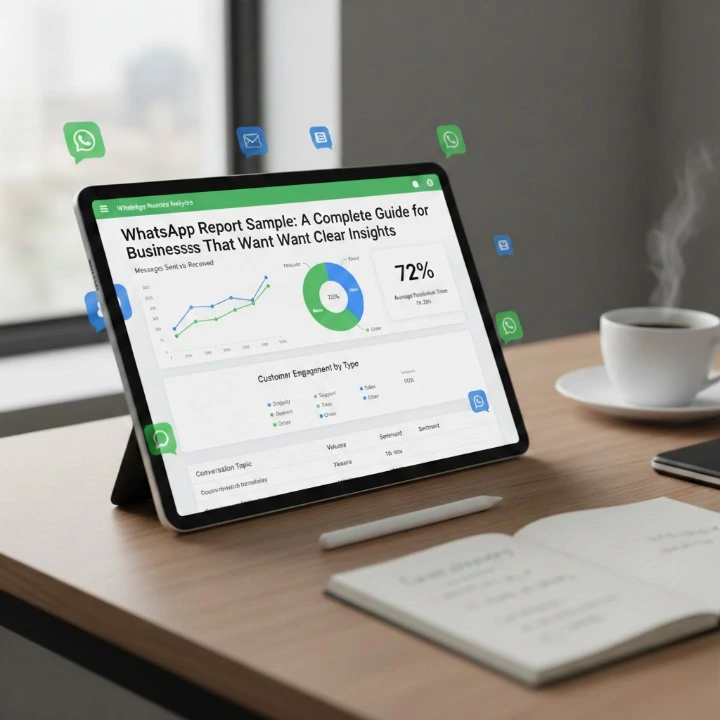
Do you ever ask yourself the way to accurately record WhatsApp messages for business records? Or what the professional way of a WhatsApp report Sample should look like? If your company is running campaigns, providing customer service or sending mass messages, it is inappropriate to use only screen shots and assumptions for a reliable record.
What you need is a format for documenting these messages? What you need is clarity in conveying the messages and becoming professional in documenting your communications.
In this article, you will understand the components of a WhatsApp report sample, learn why it is important to have this as a document; how to create a WhatsApp report sample; and the systems available, such as Waplify to assist you in creating your sample and creating accurate documentation of your WhatsApp messages. Now let’s go ahead and get started!
What Is a WhatsApp Report Sample?
A WhatsApp messaging report is a formal summary of all messaging activity done through WhatsApp, including performance statistics, delivery statistics, engagement metrics, and conversation records. Businesses can use these types of reports to track results, analyze communications, and hold themselves accountable for their communications with others.
You can think about a WhatsApp messaging report as being a dashboard that is in a readable format.
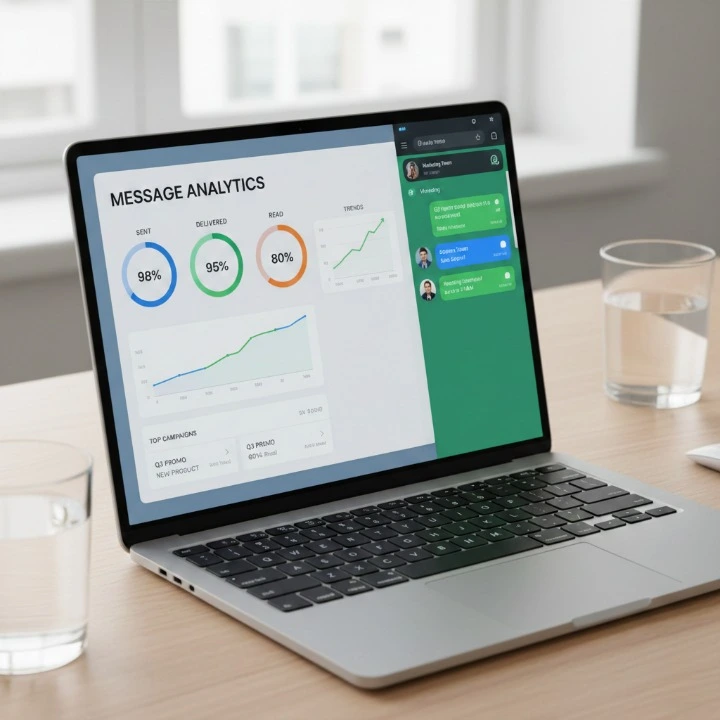
A WhatsApp report instead of browsing chat logs, gives the following:
- Total Number of Sent Messages
- Delivery Status
- The Number of Reads
- How Many Times It Was Responded To
- Customer Feedback Summary
- Campaign Performance Data
Reports are mandatory for any company working with the WhatsApp Business or the WhatsApp Business API.
“If you can’t measure it, you can’t improve it.” And that applies perfectly here.
External Resource:
Official WhatsApp Business overview: https://business.whatsapp.com/
Why Businesses Need a WhatsApp Report Sample?
Let’s be honest. Messaging without tracking is like driving at night without headlights. You might move forward, but you won’t know where you’re going.
Here’s why a WhatsApp report sample matters:
1. Performance Tracking
You see exactly how your campaigns perform. Which messages get replies? Which ones are ignored?
2. Accountability
If you’re managing a team, reports help track agent performance and response time.
3. Data-Driven Decisions
Instead of guessing what works, you analyze real numbers.
4. Client Transparency
Agencies providing WhatsApp marketing services must present structured reports to clients.
This is where tools like Waplify step in. Instead of manually collecting data, Waplify generates detailed reports automatically, saving hours of manual work.

External Resource:
Digital marketing analytics basics: https://www.hubspot.com/marketing-statistics
Key Elements of a Professional WhatsApp Report Sample
Let’s now analyze this; what type of report should be generated from a proper WhatsApp campaign:
1) Campaign Overview
- Name of campaign
- Time frame of campaign (date range)
- Size of target audience
- What was the purpose of this Campaign?
2) Message Statistics
- Total messages that were sent
- Number of delivered messages
- Number of failed messages
- Number of read messages
3) Engagement Metrics
- Reply Rate
- Click Through Rate (if links were included)
- Conversion Rate
4) Customer Interaction Summary
- Frequently asked questions
- Common complaints
- Positive feedback highlights
5) Agent Performance (If Support-Based)
- Average response time
- Resolution time
- Number of chats handled
6) Compliance & Logs
- Opt-in records
- Message templates used
- Conversation export (if required)
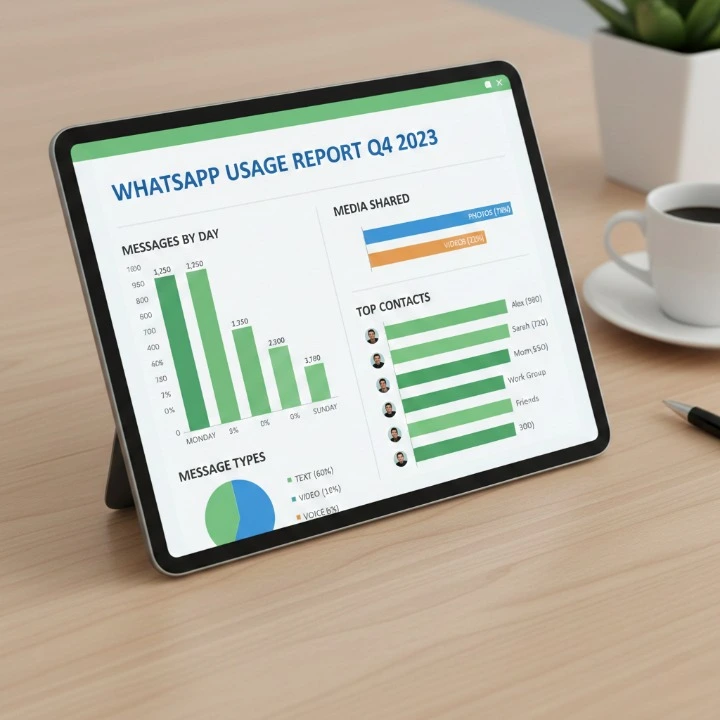
Here’s a simple WhatsApp report sample structure:
Campaign Name: Diwali Promo 2026
Date: 1 Oct – 10 Oct 2026
Messages Sent: 10,000
Delivered: 9,850
Read: 8,200
Replies: 1,340
Conversions: 210
Average Response Time: 3 minutes
Simple. Clear. Actionable.
How to Create a WhatsApp Report Manually
If you’re not using automation tools yet, here’s how you can build one manually:
1. The First Step Is Exporting Your Chat Data
The chat export feature in WhatsApp can be used for exporting your chat data.
2. The Second Step Is Counting Your Sent Messages
You will need to count all of the messages you sent during your campaign.
3. Third Step Is Tracking Your Engagement
You should track your responses and calculate how many responses were received.
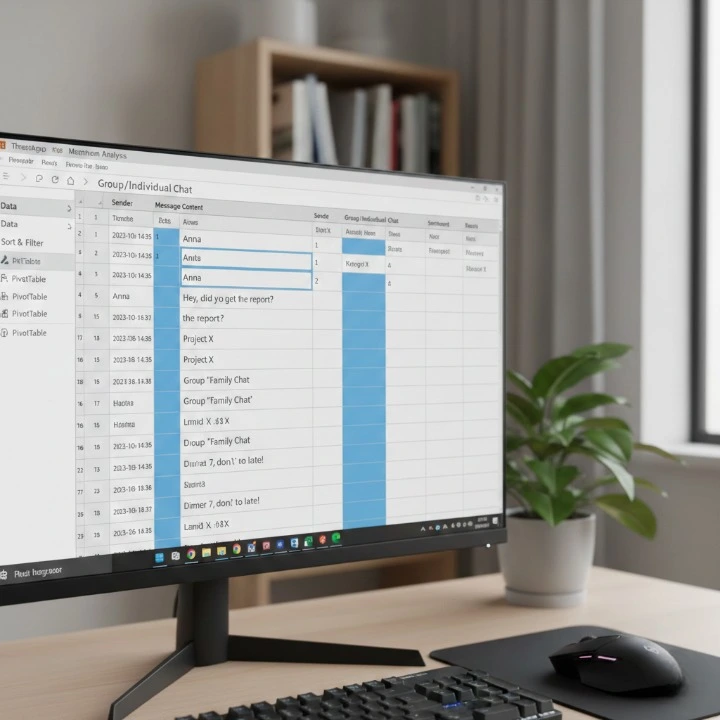
4. The Fourth Step Is Organizing Everything into a Spreadsheet
You will want to use Excel or Google Sheets to format everything in the right way.
5. The Fifth Step Is Converting Everything into A Report
You will add charts, summaries, and other ways to evaluate your performance.
You may think this is easy to do — but the truth is that doing manual reporting; once your volume of messages becomes large, will become a challenge for you.
That’s why businesses shift to automated solutions. Which generate campaign-wise reports instantly with advanced filtering options.
External Resource:
Google Sheets reporting tutorial: https://support.google.com/docs/answer/1272900
Using Waplify for Automated WhatsApp Reporting
Let’s have a conversation on the concept of efficiency. Waplify provides companies with a means of delivering mass WhatsApp message shipping, while producing analytic reporting around those mass WhatsApp messaging campaigns from one application interface. No more scrambling between exported chat logs or Excel spreadsheets, with Waplify everything stays within the Stacked dashboard.
Waplify features the following capabilities:
- Tracking delivery in real-time
- Providing extensive detailed engagement reports
- Allows for Campaign level analysis and LoVs (lines of Value)
- Gives Agent Performance histories
- Provides PDF reports
What powers this solution? An automated approach!
You send out messages but will also measure them immediately upon hitting the delivery server. For agencies and upstart companies, there are significant time savings as a result of decreased human error and production of professional looking WhatsApp Report Sample as examples to provide to your clients. If your business is serious about WhatsApp marketing then using only mass WhatsApp tracking manually is equivalent to using a calculator in place of smart dashboard solutions.
Best Practices for an Effective WhatsApp Report Sample
Reports are more than just numbers; they are storytelling opportunities.
Take Into Consideration:
1. You want your report to be easy to read
Remove all unnecessary information and only include relevant information (metrics) to accomplish this goal.
2. You want your report to provide insight
Identify the reason for performance improvement or deterioration.
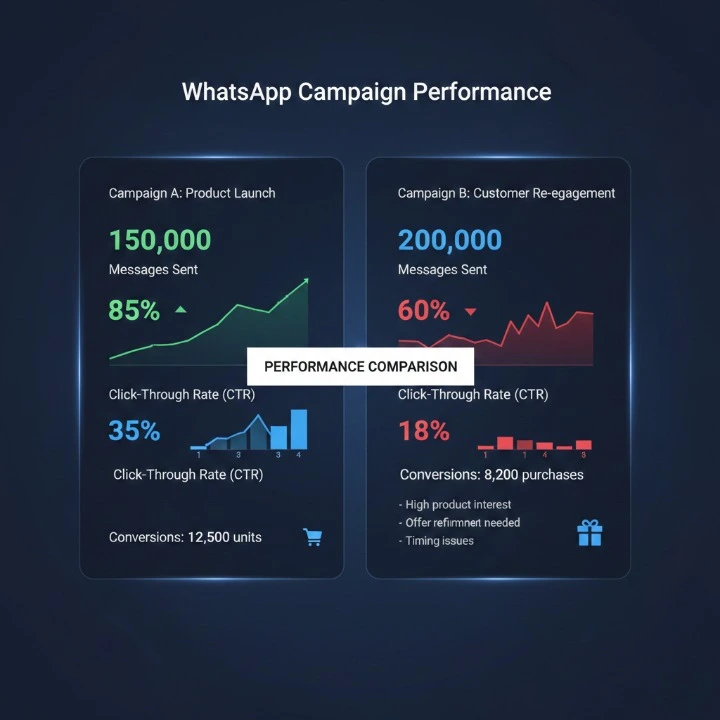
3. You want your report to include campaign comparisons
Highlight month-over-month (MoM) growth trends.
4. You want your report to have “visual” elements to support information and/ or enhance reading
Use visual (graph and pie) presentations to support information to help improve readability.
5. You want your report to capture ROI
Always associate performance results with revenue/economic value.
Ultimately, Businesses care about ultimate outcomes vs message counts.
Common Mistakes to Avoid in WhatsApp Reporting
Even a great report has the potential of failing due to incorrect formatting.
Doing so would be:
- Ignoring your failed message analysis
- Not monitoring your opt-in compliance
- Overloading with unnecessary metrics
- Disconnecting the data from the goals of your business.
- Skipping visual summaries of your data.
Always keep in mind that clarity will overcome complexity.
Frequently Asked Questions About WhatsApp Report Sample
1. What is a WhatsApp report sample?
A WhatsApp report sample is a structured summary of messaging activity on WhatsApp. It includes details like messages sent, delivery rate, read rate, replies, and overall campaign performance. Businesses use it to track results and measure communication effectiveness.
2. Who needs a WhatsApp report?
Any business using WhatsApp Business or the WhatsApp Business API for marketing, sales, or customer support should maintain regular reports. Agencies, eCommerce brands, educational institutions, and service providers especially benefit from structured reporting.
3. What metrics should be included in a WhatsApp report sample?
A professional WhatsApp report typically includes:
- Total messages sent
- Delivered messages
- Failed messages
- Read rate
- Reply rate
- Conversion rate
- Average response time
- Campaign duration
These metrics help evaluate both performance and ROI.
4. Can I create a WhatsApp report manually?
Yes, you can export chat data and track message statistics using spreadsheets. However, manual reporting becomes time-consuming and prone to errors as your message volume grows. Automated tools can simplify this process significantly.
5. How does Waplify help with WhatsApp reporting?
Waplify provides automated analytics dashboards that track delivery status, engagement rates, and campaign performance in real time. It also allows you to download structured reports, making it easier to share results with clients or internal teams.
6. Why is WhatsApp reporting important for marketing campaigns?
Without reporting, you’re guessing. With reporting, you know exactly what worked and what didn’t. It helps improve targeting, message quality, timing, and overall strategy—leading to better engagement and higher conversions.
7. How often should I generate a WhatsApp report?
For active campaigns, weekly reporting works well. For ongoing support operations, monthly reports are usually sufficient. The key is consistency so you can compare trends and improve performance over time.
8. Are WhatsApp reports secure and compliant?
If you’re using official platforms like the WhatsApp Business API and following opt-in guidelines, your reports remain compliant. Always ensure customer consent is properly recorded and stored.
Conclusion: Why a WhatsApp Report Sample Matters More Than Ever
So let’s come back.
Why do I need a WhatsApp report sample?
Without reporting in an organised way, you cannot make informed decisions.
Also, why automate the reporting process?
Manual tracking of WhatsApp data is time-consuming and can be prone to human error.
How can I make that process easier?
Using smart tools like Waplify.
The impact of your messaging has a lot of force behind it but with the right metrics, your messaging can only gain momentum.
If you use WhatsApp to communicate with clients, market products, or provide service, now is the time to start tracking your performance, whether that be through manual reporting or through the use of Waplify — either way, there should be consistency and clarity in your reports.
The businesses that are successful are the ones who are regularly monitoring and improving their results. And now you’re aware of how to do so.