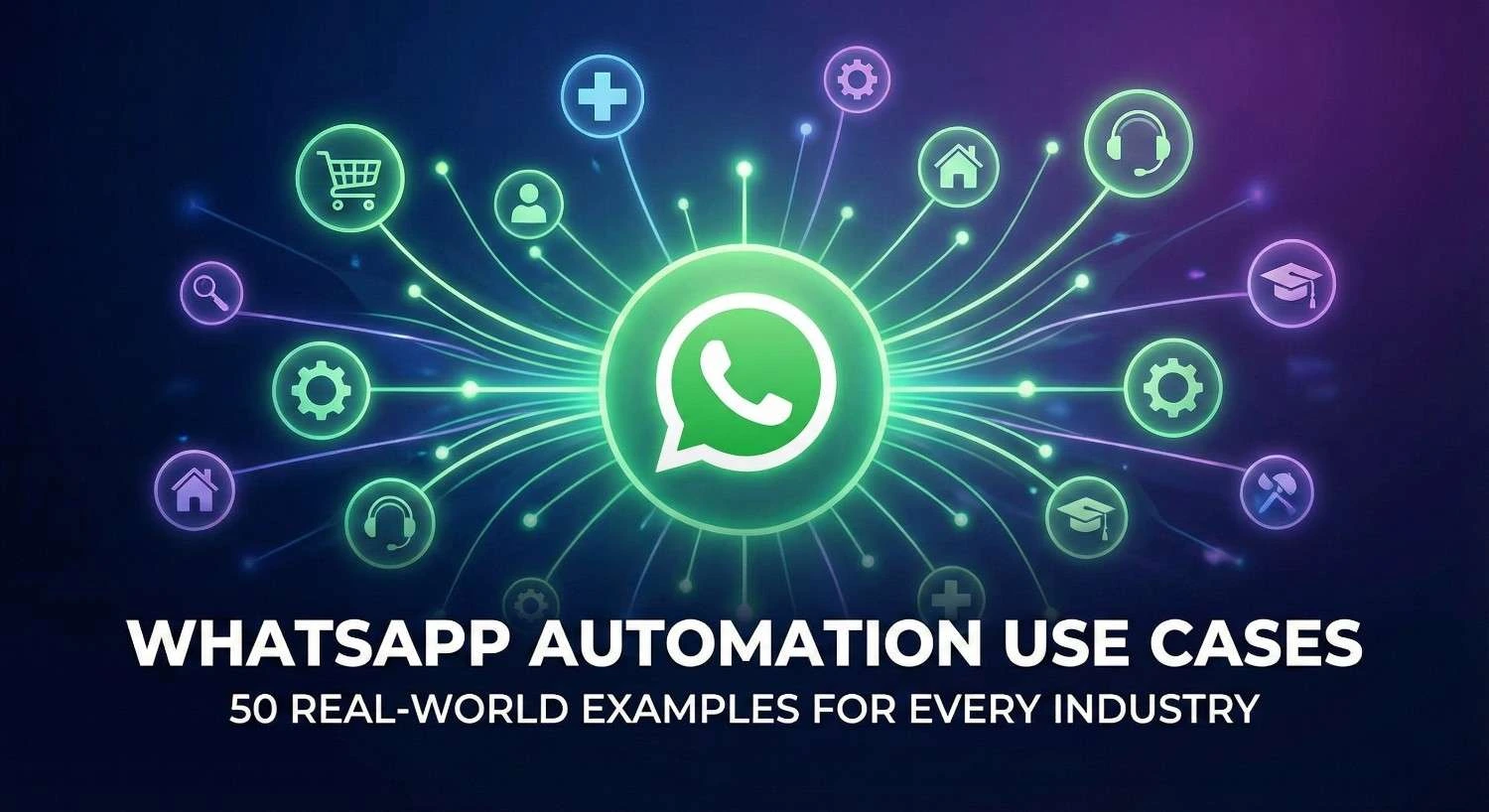
WhatsApp Business Automation is the use of software and bots to send messages, reply to customers, and manage workflows on WhatsApp without human help. It allows businesses to run 24/7, answering questions instantly and guiding customers through the buying process automatically.
The Shift to Conversational Commerce
Communication is changing fast. For years, businesses relied on email to reach customers. But today, inboxes are full of spam. Open rates for emails have dropped to around 20%. In contrast, WhatsApp has an open rate of 98%. People check their phones constantly. They want to chat with businesses the same way they chat with friends. This shift is called Conversational Commerce.
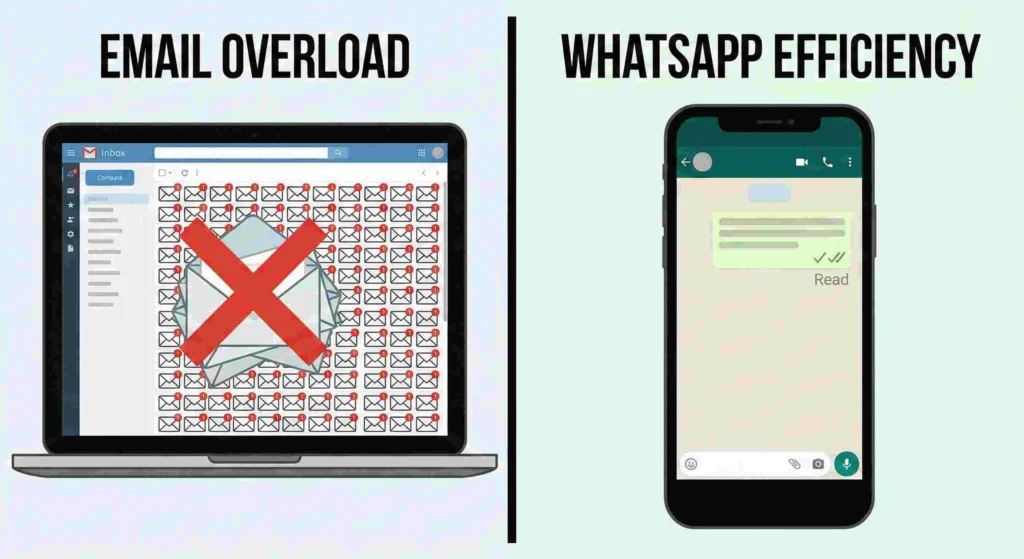
However, you cannot manually reply to every message if you have thousands of customers. This is why automation is essential. It is the only way to offer personal service at a large scale.
What is WhatsApp Business Automation?
WhatsApp Business Automation* uses rules or AI to handle conversations. It acts like a digital employee that never sleeps. It can answer FAQs, send tracking updates, or even help a customer buy a product.
Distinction between WhatsApp Business App vs. API
It is important to know which tool you need.
- WhatsApp Business App: This is a free mobile app. It is best for small businesses. It has simple automation, like “Away Messages” or “Greeting Messages.”
- WhatsApp Business API: This is for medium to large businesses. It connects to software to build complex Chatbots. It handles unlimited messages, integrates with CRMs, and allows for green tick verification.
Expert Analysis: The ROI of Automated Conversations
Speed creates sales. Modern customers expect a reply within seconds, not hours. If you wait too long, they go to a competitor.
Automation solves this speed problem. It also lowers costs because you need fewer support agents to handle simple questions.
Data Breakdown: Response Time vs. Conversion Rate
Data shows a clear link between speed and success.
- Under 1 Minute: Conversion rates increase by up to 391%.
- Over 5 Minutes: Interest drops drastically.
- Automated Bots: Can reduce customer service costs by 30%.
Average Efficiency Gains by Industry Sector
| Industry Sector | Response Time Improvement | Customer Satisfaction Score (CSAT) Increase | Support Cost Reduction |
| E-Commerce | 90% Faster | +25% | 35% |
| Healthcare | 85% Faster | +20% | 30% |
| Real Estate | 95% Faster | +15% | 40% |
| Education | 80% Faster | +10% | 25% |
| Travel | 92% Faster | +30% | 45% |
E-Commerce & Retail
Online stores benefit the most from automation. Here are 10 ways to boost sales and keep shoppers happy.
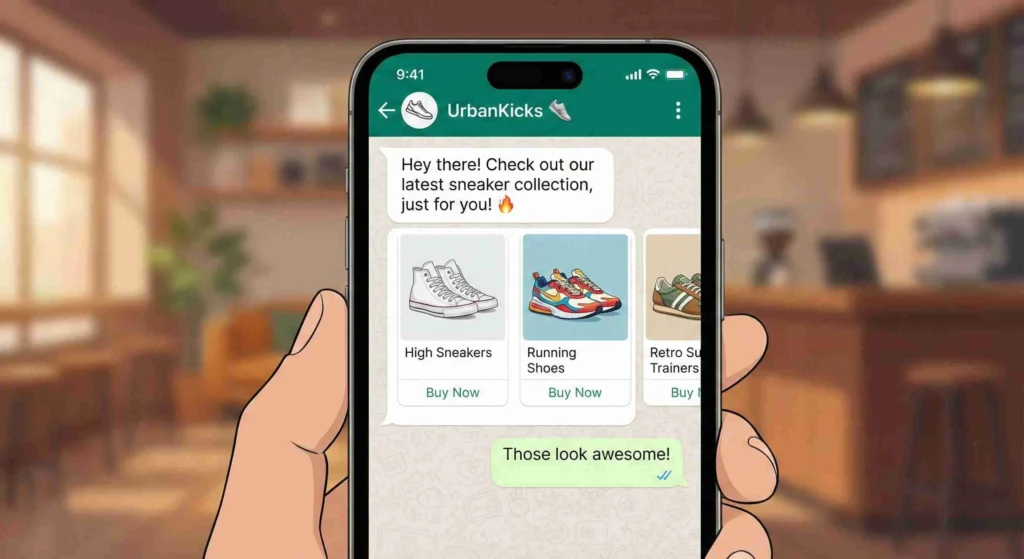
- Abandoned Cart Recovery Workflows
When a shopper leaves items in their cart, send a friendly reminder on WhatsApp. These messages have much higher conversion rates than email reminders. - Automated Order Confirmations & Invoicing
Instantly send a message saying “Order Received” along with a PDF invoice. This confirms the purchase immediately. - Real-Time Shipping & Tracking Updates
Stop customers from asking “Where is my order?” Send automatic alerts when the package is shipped, out for delivery, and arrived. - Back-in-Stock Notifications
Let customers sign up for alerts. When a popular item returns, the bot messages them instantly so they can buy it. - Post-Purchase Review & Feedback Requests
Wait a few days after delivery, then ask for a review. Automation makes this process consistent. - Loyalty Program Balance Updates
Update customers on their points. “You just earned 50 points! You are $10 away from a reward.” - Personalized Product Recommendations
If a customer buys a phone, the bot can suggest a case or charger. This increases the total order value. - Flash Sale & Discount Alerts
Send urgent offers to your VIP list. “Flash Sale: 20% off for the next 3 hours only!” - Return & Refund Status Tracking
Managing returns is hard. Let bots handle the updates so customers know when their money is refunded. - FAQ Chatbots for Sizing & Material Queries
Create a menu where users tap “Size Guide” or “Materials” to get instant answers without waiting for a human.
Healthcare & Wellness
Healthcare relies on clear communication. Automation ensures patients show up and follow instructions.
- Appointment Reminders & Confirmation Buttons
Reduce “no-shows” by sending a reminder 24 hours before. Include a “Confirm” or “Reschedule” button. - Prescription Refill Automation
Patients can simply type “Refill” to request their medicine. The system processes the request automatically. - Test Result Readiness Notifications
Send a secure alert when lab results are ready to be viewed in the patient portal. Do not send sensitive results directly in chat for privacy. - Patient Intake Form Distribution
Send digital forms before the patient arrives. This saves time in the waiting room. - Post-Visit Care Instructions
After a dentist visit or surgery, automatically send a PDF with “Do’s and Don’ts” for recovery. - Insurance Verification Bots
Allow patients to upload photos of their insurance cards. A bot can collect this data for the admin team to verify.
Education & EdTech
Schools and online courses use WhatsApp to keep students and parents informed.
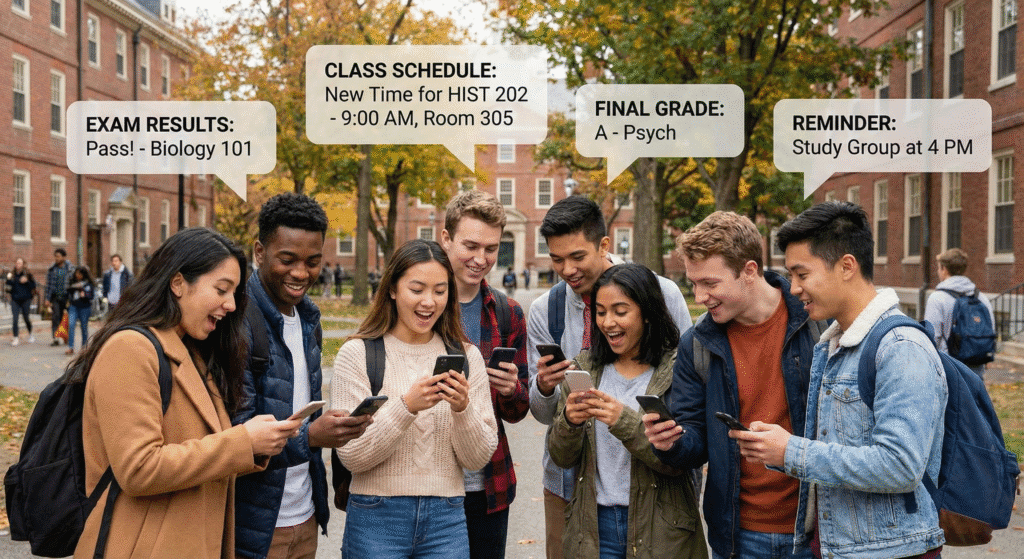
- Student Application Status Updates
Applying to college is stressful. Automate updates like “Application Received” or “Interview Scheduled” to keep students calm. - Class Cancellation & Schedule Changes
If a teacher is sick, send an instant broadcast to the whole class. This prevents students from showing up to an empty room. - Exam Result Notifications
Notify students securely when their grades are published on the school portal. - Fee Payment Reminders
Send gentle nudges to parents about upcoming tuition deadlines to avoid late fees. - Library Book Return Alerts
Remind students to return books before they get fined. - Alumni Event Invitations
Keep in touch with past students by automating invites for reunions or networking events.
Resource: To see which tools work best for schools, read our guide on the Best WhatsApp Marketing Platforms for Education.
Real Estate & Property Management
Speed is everything in real estate. The first agent to reply usually gets the client.
- Instant Lead Qualification for Buyers
When a lead comes in, a bot can ask: “Are you looking to buy or rent?” and “What is your budget?” This filter leads for agents. - Automated Property Listing Brochures
If a client asks about a house, the bot instantly sends a PDF brochure with photos and details. - Virtual Tour Scheduling
Let clients book a viewing time directly within the WhatsApp chat interface. - Open House Location Pins
Send the exact Google Maps location pin to attendees an hour before the open house starts. - Tenant Maintenance Request Tickets
Tenants can report a “Leaking Tap.” The bot collects a photo and creates a ticket for the repair team. - Rent Payment Confirmations
Send an automated receipt instantly after a tenant pays their rent.
Resource: Learn how to capture more buyers with our WhatsApp Business API: Real Estate Lead Generation Guide.
Travel & Hospitality
Travelers need information on the go. WhatsApp is the perfect channel because it works over Wi-Fi.
- Instant Booking Confirmations
Send tickets and hotel vouchers immediately after booking. - Flight Delay & Gate Change Alerts
These are critical updates. A WhatsApp message is more likely to be seen than an email when rushing through an airport. - Hotel Check-In/Check-Out Automation
Allow guests to handle check-in via chat to skip the line at the front desk. - Concierge Service Requests
Guests can text “Need fresh towels” or “Order room service.” The request goes straight to the hotel staff. - Local Tour Recommendations
A bot can suggest local attractions or restaurants based on where the guest is staying. - Currency Exchange Rate Updates
Provide travelers with daily exchange rates for the local currency.
Comparison: Should you use the official API or other tools? Read WhatsApp API vs. 3rd-Party: Travel Booking Confirmations.
B2B & SaaS
Business-to-Business companies use WhatsApp to nurture leads and support software users.

- Lead Scoring & Qualification Bots
Ask B2B leads about their company size and needs. The bot scores them so sales teams focus on the big deals. - Demo Booking Automation
Send a calendar link via WhatsApp so prospects can book a software demo instantly. - Onboarding Welcome Sequences
When a new user signs up, send a “Day 1” tip, a “Day 3” video tutorial, and a “Day 7” check-in. - SaaS Subscription Expiry Alerts
Notify companies before their software license expires to prevent service interruption. - Webinar Registration Confirmations
Send the Zoom link directly to the attendee’s phone 15 minutes before the webinar starts. - Support Ticket Status Updates
“Your ticket #1234 is being reviewed.” Keep business clients in the loop.
Resource: Improve your sales funnel with our framework: Master B2B WhatsApp Lead Generation with Our 5-Step Framework.
Financial Services
Banks and fintech companies use WhatsApp for secure, instant alerts.
- Fraud Detection Alerts (2FA)
“Did you just spend $500? Reply YES or NO.” This helps stop fraud fast. - Account Balance Inquiries
Customers can securely check their balance without logging into a slow banking app. - Loan Application Status Updates
Tell customers when their loan moves from “Under Review” to “Approved.” - Credit Card Payment Due Reminders
Help customers avoid late fees with a timely reminder. - Investment Portfolio Summaries
Send a weekly summary of how their stocks or funds performed.
Automotive & Logistics
This sector involves moving parts and vehicles. Communication helps coordinate everything.
- Service & Maintenance Due Reminders
“Your car is due for an oil change.” This brings customers back to the dealership. - Test Drive Scheduling
Let buyers pick a time to test drive a car via an automated calendar bot. - Vehicle Breakdown Assistance
If a driver is stuck, they can share their Live Location on WhatsApp so the tow truck can find them easily - Driver Delivery Coordination
Logistics companies can coordinate with truck drivers about pickup locations. - Spare Parts Inventory Checks
Mechanics can query a bot to see if a specific part number is in stock.
Advanced Strategy: From Single Messages to Drip Campaigns
Sending one message is good. Sending a sequence is better. This is called a Drip Campaign.
Designing the User Journey for Retention
Instead of just one alert, you guide the customer. For example, a new user gets a welcome message today. Two days later, they get a tip. Five days later, they get a discount offer. This keeps your brand in their mind.
Resource: Ready to build complex flows? Read our WhatsApp Drip Campaigns: Setup, Strategy & Success Guide.
Technical Implementation: Getting Started
You know what to do. Now, here is how to do it.
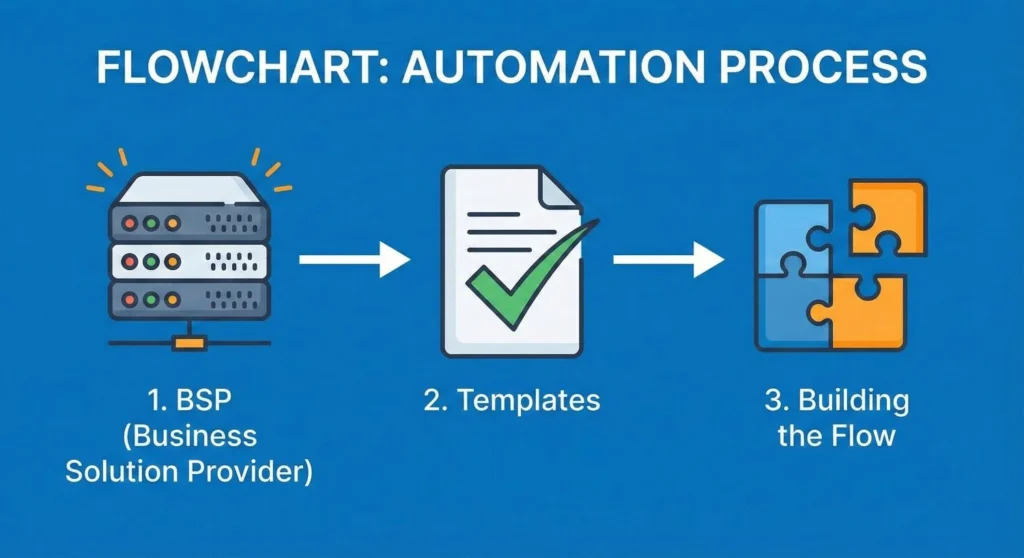
Step 1: Choosing a BSP (Business Solution Provider)
You cannot connect to the WhatsApp API directly. You need a partner like Meta or a verified software vendor. Choose one that fits your budget.
Step 2: Template Message Approval Process
WhatsApp prevents spam. You must submit your message templates (like shipping alerts) to Meta for approval before you can send them.
Step 3: Building the Flow (No-Code vs. Code)
- No-Code: Use drag-and-drop builders. This is best for marketing teams.
- Code: Developers can write custom scripts for complex integrations with your database.
Conclusion: Future proofing Your Business Communication
The world is moving away from email and toward instant messaging.
Key Takeaways Summary
- Speed Wins: Automation replies instantly, increasing sales.
- Efficiency: Bots handle repetitive tasks, saving money.
- Versatility: Every industry, from Real Estate to Healthcare, can use it.
Final Call to Action
Do not let your customers wait. Start small with one automation, like a Welcome Message or an FAQ bot. Measure the results and then scale up. Your customers are already on WhatsApp—your business should be too.