
Bulk WhatsApp messaging is one of the most powerful things a business can do in 2026. But done wrong, it's also one of the fastest ways to lose your number permanently. This guide cuts through the confusion and shows you exactly how to do it right.
What Are Bulk WhatsApp Messages? (And Why Businesses Are Obsessed)
Bulk WhatsApp messages are exactly what they sound like: a single message sent to many contacts at once, where each person receives it as an individual, private message not a group chat.
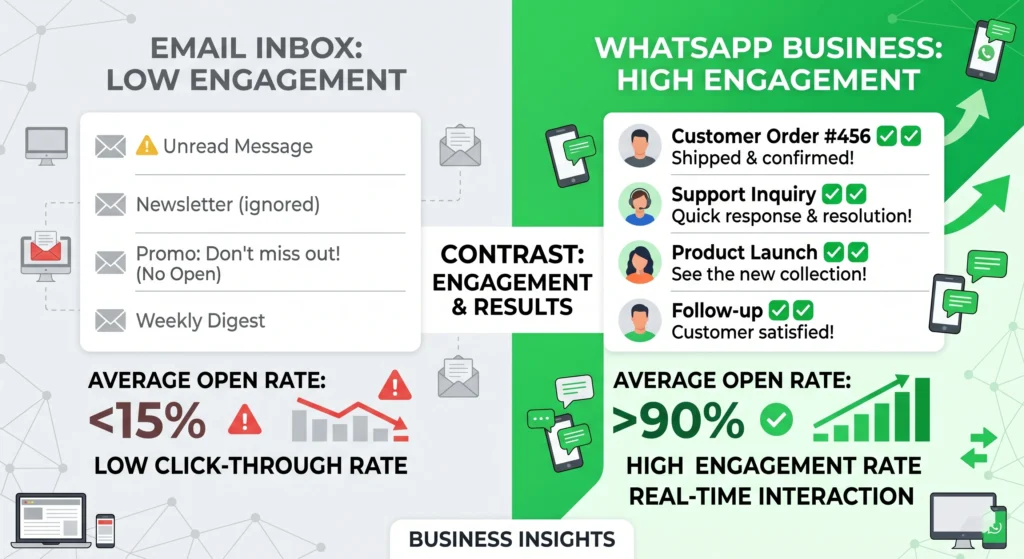
Think of it as email marketing, but where people actually read what you sent.
WhatsApp's open rate sits at around 98%. Email averages 20% on a good day. That gap alone explains why businesses across India, Southeast Asia, and Latin America have practically abandoned email newsletters in favour of WhatsApp broadcasts.
The use cases are everywhere:
- A clothing brand announcing a flash sale to 2,000 customers
- A clinic sending appointment reminders to patients
- A real estate agent following up with warm leads
- A restaurant filling empty tables on a slow Tuesday
The channel works. The question is which method you use to tap into it because that choice determines whether you grow your business or lose your number.
The Hard Truth: Why Most People Get Banned Sending Bulk Messages
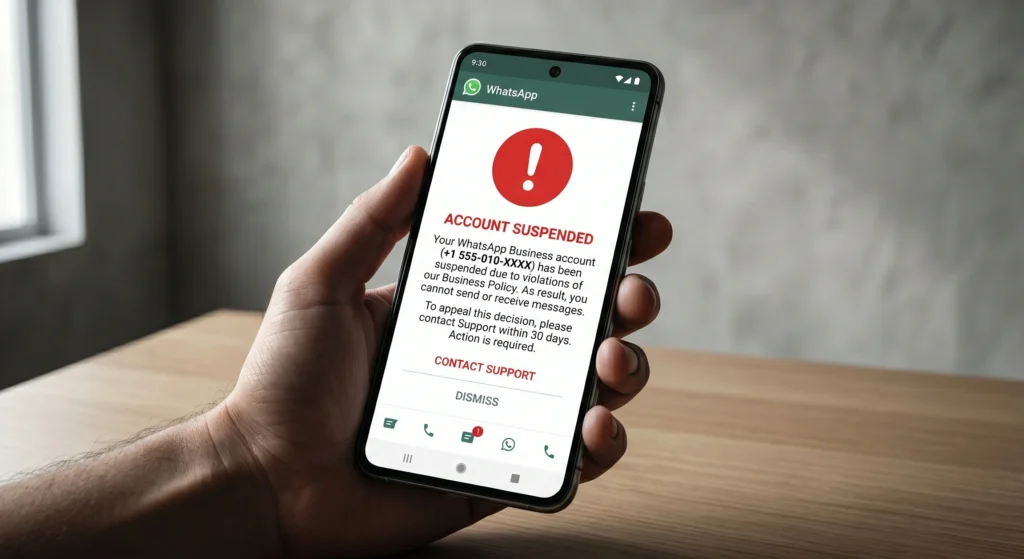
Here's what nobody tells you upfront: WhatsApp actively hunts down accounts that send bulk messages using unofficial methods. And they're getting better at it.
Gray-Route Tools vs. Official API
A quick search for "bulk WhatsApp sender" will surface dozens of browser extensions, APKs, and desktop apps that promise unlimited messaging for a few hundred rupees. These are what the industry calls gray-route tools software that piggybacks on your personal WhatsApp or WhatsApp Web session to fire off messages in bulk.
WhatsApp's anti-spam systems flag unusual sending patterns: too many messages, too fast, to numbers you've never interacted with. When recipients report your message as spam (and they will, because the message came out of nowhere), your number gets reviewed. One complaint too many and you're permanently banned no appeal, no recovery.
More importantly, you lose everything: your customer list, your chat history, your business identity on that number.
The only safe path is the Official WhatsApp Business API, sanctioned by Meta. It's the method that comes with compliance guarantees, no risk of bans, and the actual infrastructure to scale.
Method 1: WhatsApp Broadcast Lists (Free, But Limited)
The WhatsApp Business app has a built-in broadcast feature. You can send one message to a list of contacts and each person receives it individually not in a group.
This is genuinely useful for very small businesses just getting started. But there are two walls you'll hit immediately:
The 256-contact ceiling. You can only add 256 contacts per broadcast list. For any business with a real customer base, that's not bulk messaging that's just a slightly more efficient text.
The "saved contact" requirement. Your message only gets delivered if the recipient has your number saved in their phone. Sounds manageable until you realise that most of your leads probably haven't done this.
Use broadcast lists for intimate communication, a small loyal customer segment, a VIP group. Don't build your marketing strategy around them.
Method 2: The WhatsApp Business API (The Only Scalable Option)
The WhatsApp Business API is the professional-grade version of everything the broadcast list offers, without the limits.
Here's what changes when you use the API:
No platform-imposed message cap. You can send to thousands of opted-in contacts in a single campaign. The only limits that apply are Meta's own quality-based tier system, which automatically increases as your account builds a good sending reputation.
What Is Meta's Messaging Tier System?
When you first get API access, WhatsApp starts you at Tier 1: 1,000 business-initiated conversations per day. As you maintain good delivery rates and low spam reports, your limit scales up automatically:
- Tier 1: 1,000 conversations/day
- Tier 2: 10,000 conversations/day
- Tier 3: 100,000 conversations/day
You're not being throttled arbitrarily you're being rewarded for sending messages people actually want.
Template approval. Before you can send bulk outbound messages, WhatsApp requires you to submit message templates for review. This sounds annoying, but it's actually what protects you. Approved templates are pre-cleared by Meta, which means your messages go through without triggering spam filters.
Full personalisation. The API supports dynamic variables in templates so a message can say "Hi Priya, your order #4421 has shipped!" rather than a generic blast. This alone dramatically improves engagement and reduces opt-outs.
How to Choose the Right Bulk WhatsApp Tool
Once you decide to use the API, you need a platform to manage it. Technically you could build your own integration but for 99% of businesses, that's overkill.
A good bulk WhatsApp tool should give you:
Official API connection. This is non-negotiable. If the tool doesn't explicitly state it runs on Meta's official API, don't touch it.
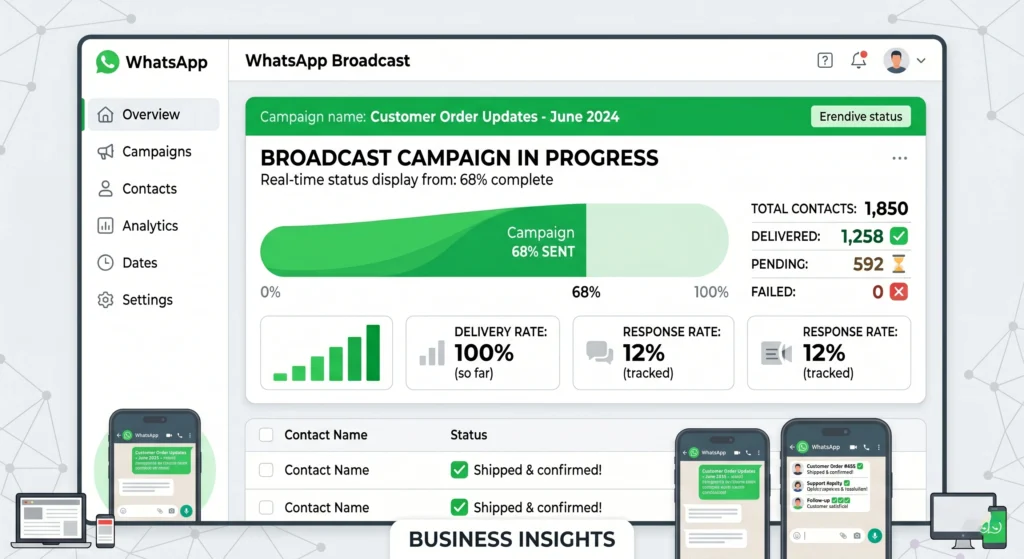
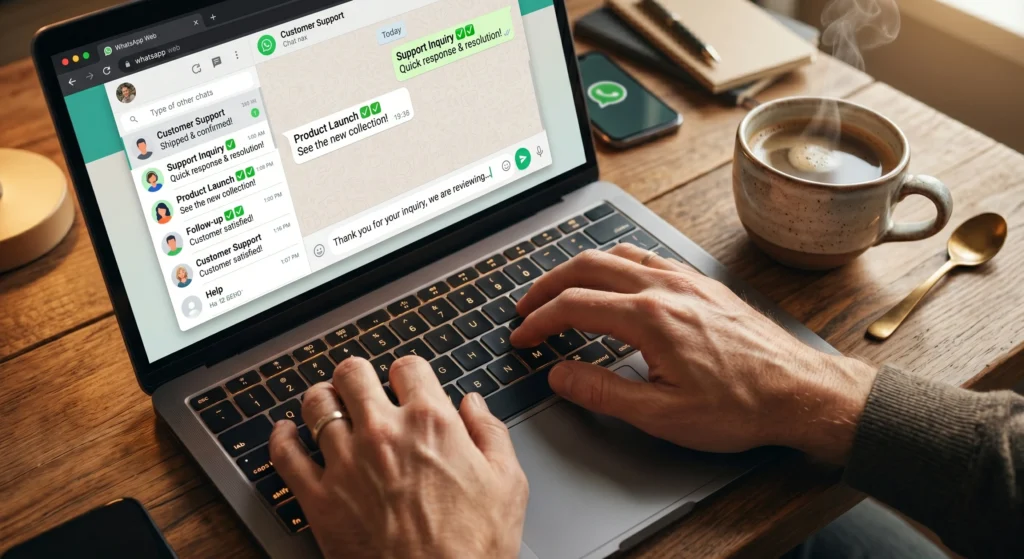
A visual broadcast dashboard. You should be able to upload contacts, pick a template, schedule a time, and hit send without writing a line of code.
Real-time analytics. Delivery rates, read rates, and replies. You can't improve what you can't measure.
Automation. The best platforms let you do more than broadcast they let you build automated conversation flows so when someone replies to your campaign, a chatbot handles the next step.
Transparent pricing. Some tools charge a commission on top of Meta's per-message fees. The honest ones let you pay Meta directly and charge only for platform access.
Waplify.io is one platform built entirely around these principles. It runs on the Official WhatsApp Business API, charges 0% markup on Meta message fees, and includes an unlimited broadcast tool alongside a no-code visual flow builder for automation. Setup takes about 5 minutes.
Step-by-Step: Sending Your First Bulk Campaign
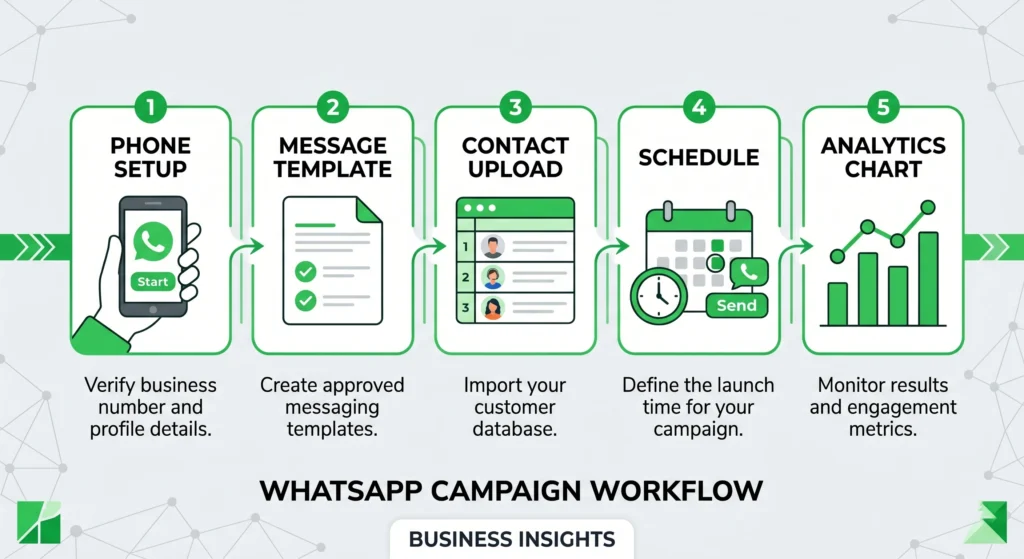
Here's the practical flow for getting a campaign out:
Step 1: Connect your number. Register your WhatsApp Business number with the API through your chosen platform. This involves verifying via SMS or call and linking to your Meta Business account.
Step 2: Create and submit a message template. Write your broadcast message, add any personalisation variables (name, order number, etc.), and submit for Meta approval. Most templates are approved within a few hours.
Step 3: Import your contacts. Upload a CSV file with your customer list. Good platforms let you add tags and segments so you can target the right people with the right message.
Step 4: Schedule and send. Pick your send time, review the preview, and launch. You can send immediately or schedule for a future date useful for early-morning flash sale alerts or time-sensitive reminders.
Step 5: Monitor performance. Watch delivery rates and read rates in real time. If engagement is low, tweak the template or the timing before the next campaign.
Best Practices to Maximise Open Rates and Avoid Spam Flags
Knowing how to send bulk messages is half the job. Knowing how to send them well is what separates the businesses getting 40% click-through rates from the ones getting ignored.
Only message opted-in contacts. This isn't just ethical. It's how WhatsApp's quality system works. High spam reports tank your sender reputation and cap your messaging limits. If someone hasn't explicitly said they want to hear from you, don't add them to your broadcast list.
Segment before you send. A shoe store sending a women's sneaker promotion to male customers is wasting both the send fee and the customer relationship. Use tags and filters to target the right segment.
Send at the right time. Early evening (7–9 PM) tends to outperform midday for consumer-facing businesses in India. B2B messages perform better mid-morning on weekdays. Test this for your specific audience.
Keep messages short and clear. The best WhatsApp broadcast messages have one clear call to action. "Tap here to claim your offer" beats a 200-word paragraph every time.
Add a genuine opt-out option. Something as simple as "Reply STOP to unsubscribe" builds trust and keeps your complaint rate low.
Use rich media when it helps. Images, PDFs, and video can all be attached to broadcast messages via the API. A product image next to a sale announcement consistently outperforms plain text.
Quick Summary
- Bulk WhatsApp messages sent via gray-route tools risk permanent account bans.
- Broadcast lists are free but capped at 256 contacts and require saved numbers.
- The WhatsApp Business API is the only scalable, legal method for reaching thousands.
- Good platforms connect to the Official API, include analytics, and let you automate replies.
- Always send to opted-in contacts, personalise where possible, and monitor your quality rating.