
Connect your CRM to WhatsApp with a webhook
There is no marketplace listing to install. Your CRM sends one request when a lead arrives or a status changes, Waplify starts the flow, and the message goes out. About ten minutes to set up, and it works with any CRM that can send a webhook.
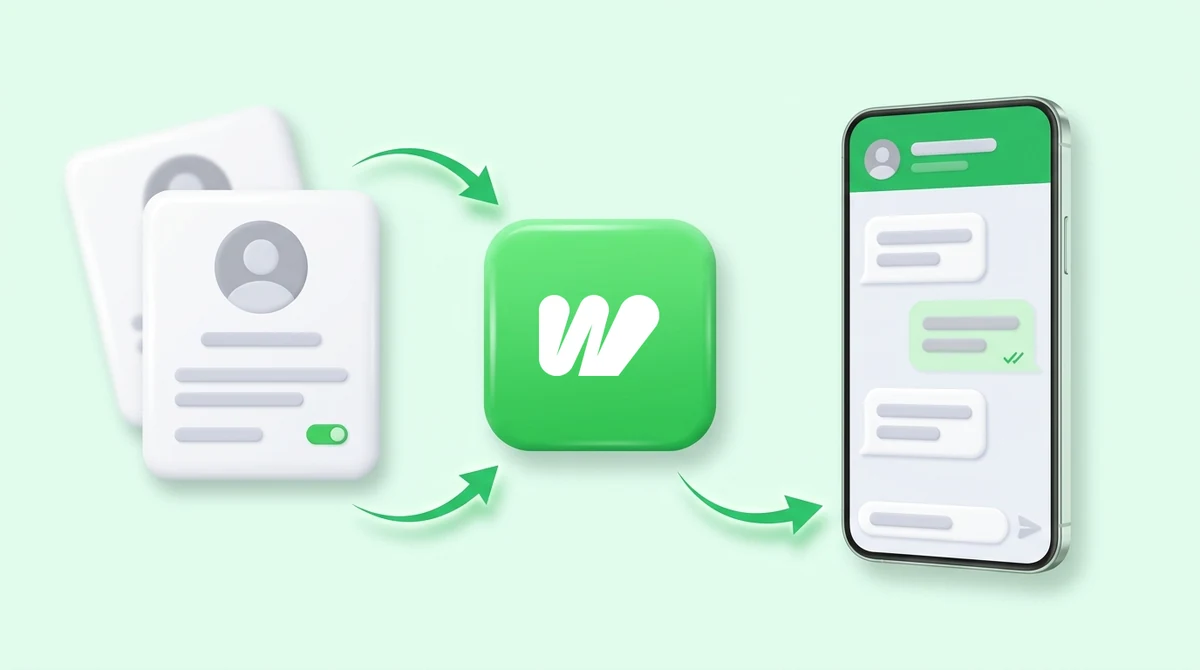
Your CRM knows what happened. Your customer does not.
The record updates the moment something changes. The person it concerns finds out whenever somebody remembers to tell them.
-
Leads wait to be noticed
A lead lands in the CRM and sits there until a rep opens the tab. Evenings, weekends and busy afternoons are just gaps in the queue.
-
Reps reply from personal WhatsApp
Nothing is logged against the record, nobody else can see the thread, and the number itself carries real ban risk.
-
Status changes go unsaid
The deal moves to approved, dispatched or overdue in the CRM, and the customer hears nothing until they chase it.
One request from your CRM, and the conversation starts
The Webhook trigger sits on a flow’s Start block. Anything that can call a URL can set that flow running on a contact.
-
Any CRM that can send a request
If it can POST to a URL, it can start a flow. No plugin to install, no marketplace listing, no waiting for us to build a connector for your CRM.
-
It reads whatever your CRM sends
JSON or form-encoded, and whatever content type the sender claims it is. Plenty of tools get that header wrong; Waplify parses the body anyway.
-
See the real payload before you map it
Arm the capture window, fire one real request from your CRM, and the builder shows you exactly what arrived so you can pick the phone field.
-
Put CRM values in the message
Owner name, deal stage, order ID, appointment time: anything in the payload can be used in the WhatsApp message the flow sends.
-
Or start on a contact change
A flow can also trigger when a contact is created or updated in Waplify, so a CRM that already syncs contacts needs no webhook at all.
-
Call back into your CRM mid-chat
The API Executor block queries an outside service during the conversation and branches on the answer, so the reply can quote what your CRM actually says.
How do you connect a CRM to WhatsApp?
Two settings in Waplify, one paste in your CRM. The only technical step is copying a URL from one screen to another.
-
Add a Webhook trigger
Open your flow, click the Start block, set Trigger type to Webhook and save. A URL unique to that flow appears.
-
Create an API key
Under Developers, create a key and copy it. It travels in the Authorization header, so only you can start the flow.
-
Point your CRM at the URL
Add it as a webhook, workflow action or outbound call, with the contact’s phone number in the body.
-
Fire one request and map it
Capture the sample, pick the phone field, and map whichever values you want the message to use. Then publish.
The CRMs people ask us about most
The mechanism is identical everywhere: your CRM sends a request, Waplify starts the flow. These three are simply the ones that come up.
-
Zoho CRM
Zoho’s workflow rules can call a webhook when a lead is created or a stage changes. Point one at your flow and the buyer hears from you the same minute.
-
Salesforce
An outbound message or a Flow HTTP callout sends the record across. There is no managed package to install and no admin review to sit through.
-
HubSpot
A workflow webhook action posts the contact to Waplify, so a form submission or a deal-stage change can open a WhatsApp conversation on its own.
What this is, and what it is not
Including the question people are really asking.
1. Is Waplify a CRM?
2. Do I need a native app or a marketplace listing?
3. Which CRMs does this work with?
4. Do I need a developer?
5. What if my CRM sends an odd payload?
6. Can the flow send information back to my CRM?
7. Which plan do I need?
Get Lifetime Access to Waplify Today
Stop paying for monthly subscriptions. Automate your business forever with a one-time investment.