
Integrations that run inside your WhatsApp automations
Connect the places your leads already come from, then let a flow take it from there: no exports, no copy-paste, and nothing sitting in the middle holding your data.
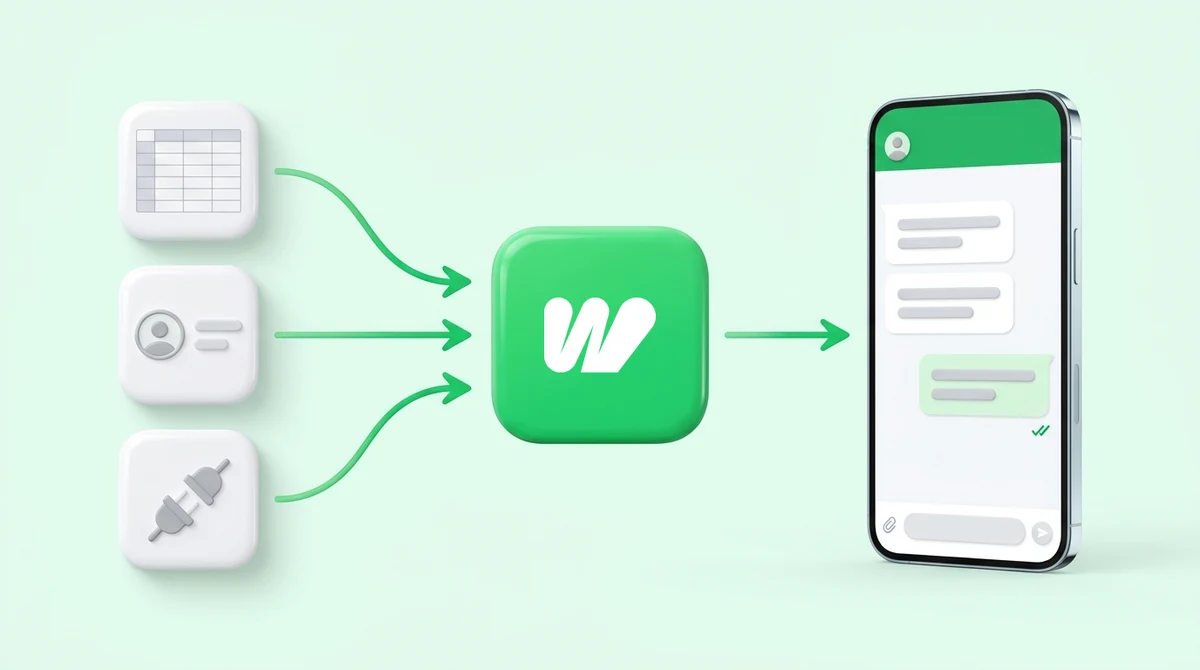
IndiaMART, Google Sheets, and Webhooks for everything else
-

IndiaMART
Every buyer enquiry lands in Waplify as a contact, ready for an automatic WhatsApp reply.
-
Google Sheets
A new row sends a WhatsApp message, and your flows can read and write the sheet while a chat is happening.
-
Connect via Webhook
Connect your CRM, Zapier, Make, or custom software using a Webhook trigger. Fire an automatic WhatsApp message whenever a lead arrives or a status changes.
Depth instead of a directory
A long logo list usually means a list of things you can trigger. These sit inside the automation itself.
-
A step in the flow, not a sync beside it
Google Sheets is a node your flow runs and branches on. IndiaMART fires the flow. Neither is a background job you check on later.
-
Nothing in the middle
No Zapier or Make subscription sitting between you and your own data, and no third party holding a copy of your leads.
-
Included, not an add-on
Connectors are included on Growth and Business. Starter does not carry them, so a connector is one of the reasons to move up a plan.
How do you connect a tool to WhatsApp?
The Connectors screen handles authorisation. After that an integration is just another block you can use in Flows.
-
Open Connectors
Everything you have connected, and everything you can, lives on one screen in Waplify.
-
Authorise it
Google Sheets uses Google’s own OAuth screen. IndiaMART gives you a URL to paste into your seller account. No API keys to store.
-
Drop it into a flow
Pick the spreadsheet from a dropdown, map columns by dragging them, or point a flow at incoming IndiaMART contacts.
-
Branch on what comes back
Every step reports success, failure or not-found, so the automation can react instead of stopping.
What connects today, and what does not
Straight answers, including the ones that are shorter than you might want.
1. Which integrations does Waplify support right now?
2. Do I need Zapier or Make?
3. Do integrations cost extra?
4. Can I connect a tool that is not listed?
5. Does connecting one need a developer?
6. What is the difference between a connector and a webhook?
7. Can data flow both ways?
8. Can I disconnect later?
Get Lifetime Access to Waplify Today
Stop paying for monthly subscriptions. Automate your business forever with a one-time investment.