
Every IndiaMART Lead Manager enquiry, answered on WhatsApp
Buyer enquiries arrive in Waplify as contacts the moment IndiaMART pushes them, straight from Lead Manager. No CSV exports, no copy-paste, no lead sitting unread while a competitor replies first.
Included in every plan · Connects by webhook, no API key needed
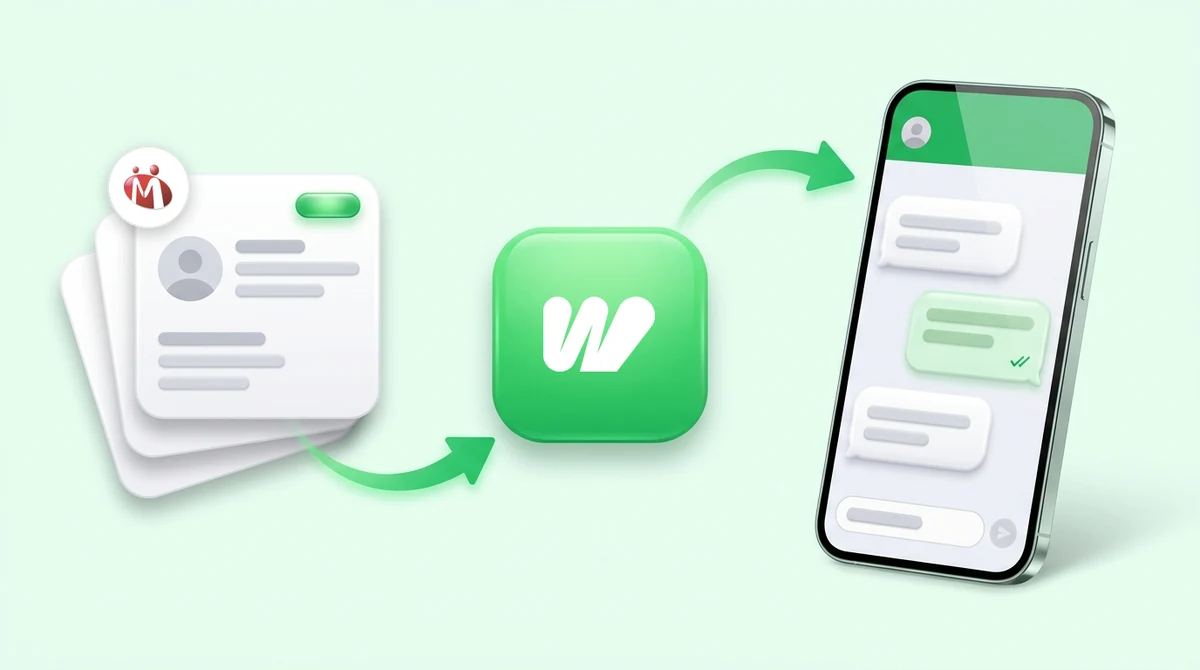
IndiaMART leads go cold in the gap between the two dashboards
The enquiry arrives in your IndiaMART Lead Manager. The conversation has to happen on WhatsApp. Everything between those two points is somebody typing.
-
Enquiries wait to be noticed
A lead sits in the Lead Manager until a person opens it. Nights, Sundays and busy afternoons are just gaps in the queue.
-
Numbers get retyped
Exporting a CSV and pasting phone numbers into another tool is where digits get dropped and the same buyer ends up in your list twice.
-
Follow-up depends on memory
Nothing reminds you which enquiries were answered and which are still waiting, so the second message is the one that never gets sent.
Leads that arrive ready to work
IndiaMART pushes each new enquiry to your webhook. Waplify turns it into a contact you can message, segment, and automate against immediately.
-
Contacts created automatically
Each enquiry becomes a contact. If someone with that phone number already exists in your organisation, Waplify uses them instead of creating a duplicate.
-
Buyer details kept
The enquiry's address is stored on the contact, and any optional lead fields you selected land on your own custom fields.
-
Auto-reply the moment a lead arrives
A new contact can trigger a flow, so the buyer gets an approved WhatsApp template back without anyone opening the dashboard.
-
Follow-ups that keep going
Enrol new IndiaMART contacts into a sequence and the follow-up messages continue on their own schedule.
-
One connection per organisation
Reconnecting is idempotent: it updates the existing connection rather than creating a second one, so leads can never arrive twice.
-
Unknown URLs are rejected
Your webhook URL is unique to your organisation. A request to a guessed URL with no matching connection is refused outright and creates nothing.
Four steps, then it runs on its own
The connection runs through IndiaMART’s own Lead Manager push API, so there is no OAuth screen, no developer key to generate, and nothing to reauthorise later.
-
Connect IndiaMART in Waplify
Open Connectors and connect IndiaMART. Waplify mints one webhook URL for your organisation.
-
Paste the URL into IndiaMART
Add it to the CRM Lead Manager push API in your IndiaMART seller account. That is the whole handshake.
-
Choose which lead fields to keep
Map the optional enquiry fields onto contact custom fields, at connect time or whenever you like afterwards.
-
Point a flow at new contacts
Trigger an approved template as the reply, enrol the buyer in a follow-up sequence, or both. From here it runs unattended.
Sellers who get more enquiries than they can type replies to
The connector earns its place wherever IndiaMART volume outpaces the number of people watching the dashboard.
-
Manufacturers and distributors
High enquiry counts across a wide catalogue. Every buyer gets an acknowledgement on WhatsApp while your team works through the serious ones.
-
After-hours and weekend enquiries
Leads that land at 11pm get the same first reply as leads that land at 11am, because a flow sends it rather than a person.
-
Small teams with no dedicated desk
Nobody has to sit on the Lead Manager. Leads become contacts, contacts enter a sequence, and the shared inbox shows you who actually replied.
Questions before you connect
How the connector behaves, in plain terms.
1. Do I need an IndiaMART API key?
2. Is this the same as an IndiaMART API integration?
3. Where do the leads come from in IndiaMART?
4. What happens if a buyer already exists in my contacts?
5. Can I choose which lead fields get saved?
6. Is the webhook URL secure?
7. What if I connect IndiaMART twice by mistake?
8. Which plan do I need?
Get Lifetime Access to Waplify Today
Stop paying for monthly subscriptions. Automate your business forever with a one-time investment.