
WhatsApp Business API Access Without the Ban Risk
Connect your number to the Official WhatsApp Business API through a Meta Business Partner. Send at scale and keep your number safe.
Trusted by businesses · 99.9% uptime · Official Meta Partner
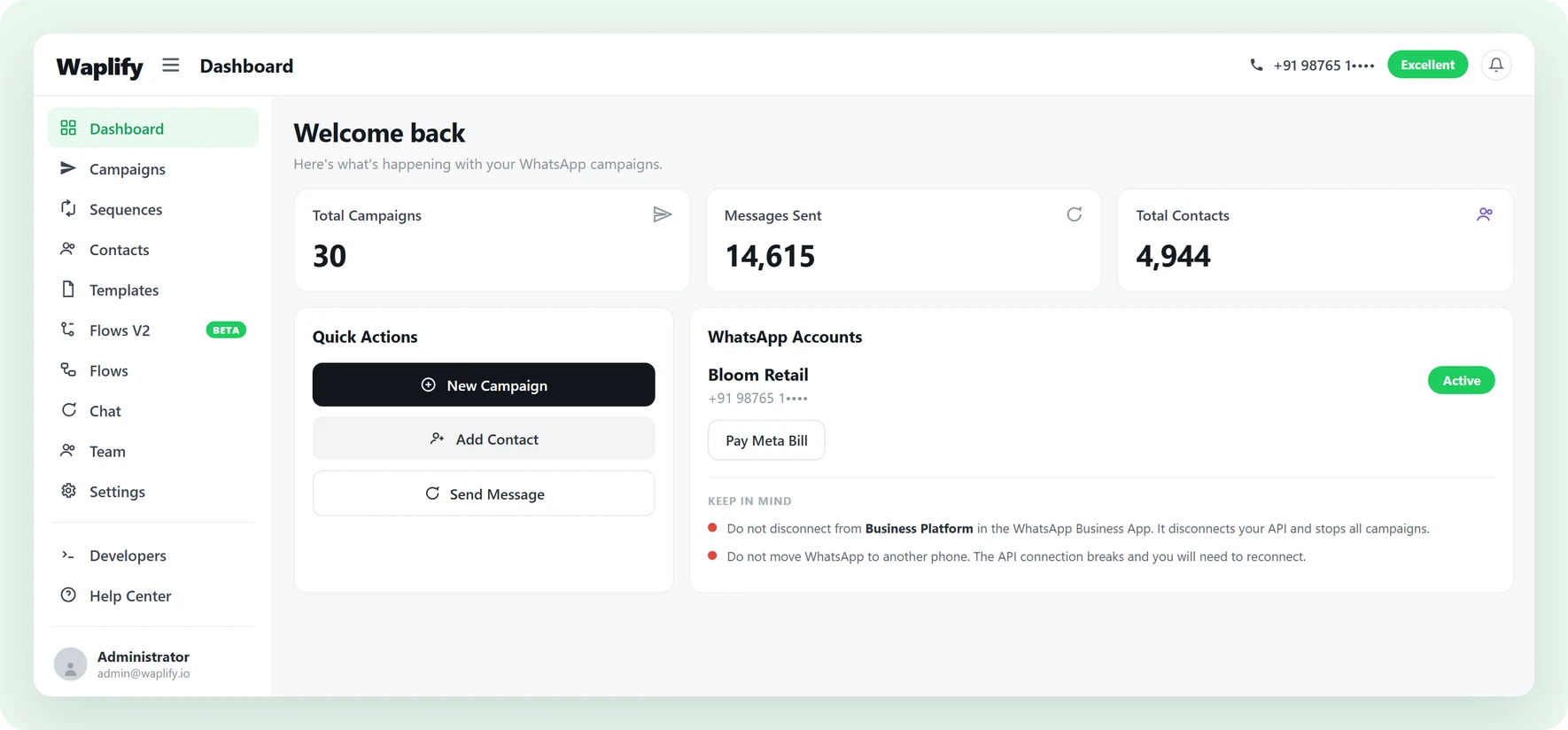
Broadcasting from a personal number is a ban waiting to happen
Three things stand between a small team and the official API.
-
Numbers get banned
A personal number or the WhatsApp Business app is not built for bulk sends. Push past a few dozen messages and Meta bans the number, with every contact gone.
-
API access is built for developers
Getting the WhatsApp Business API direct from Meta means working through a technical approval process that a small marketing team should not have to learn.
-
Providers add their markup
Many tools that simplify API access stack their own margin on top of Meta’s per-message fees, so the real cost is hard to see.
Built for any business that talks to customers on WhatsApp
-
Agencies
Manage multi-client retainers, approvals, and weekly briefings.
-
Coaching
Track batches, admissions, fee notices, and class reminders.
-
Education
Reach students and parents with fees, exams, and class updates.
-
Medical & Clinics
Appointment reminders, follow-ups, and branch alerts.
-
Tourism
Share itineraries, seasonal offers, and trip-day reminders.
-
Travel agencies
Send trip plans, booking updates, and post-trip follow-ups.
-
Real estate
Send listing alerts, qualify buyers, and book site visits.
-
Professional services
Client onboarding, milestones, and renewal nudges.
-
Finance & Insurance
Policy reminders, EMI alerts, and document collection nudges.
What do you get with the WhatsApp Business API?
Official access, rising limits, full visibility, and no hidden margin.
Your number runs on the official channel
Waplify is a Meta Business Partner. Your number connects to the Official WhatsApp Business API.
- Connect in 2 to 3 minutes through your Meta Business Portfolio
- Personal and existing business chats stay untouched
- None of the ban risk that comes with bulk sends on a personal number

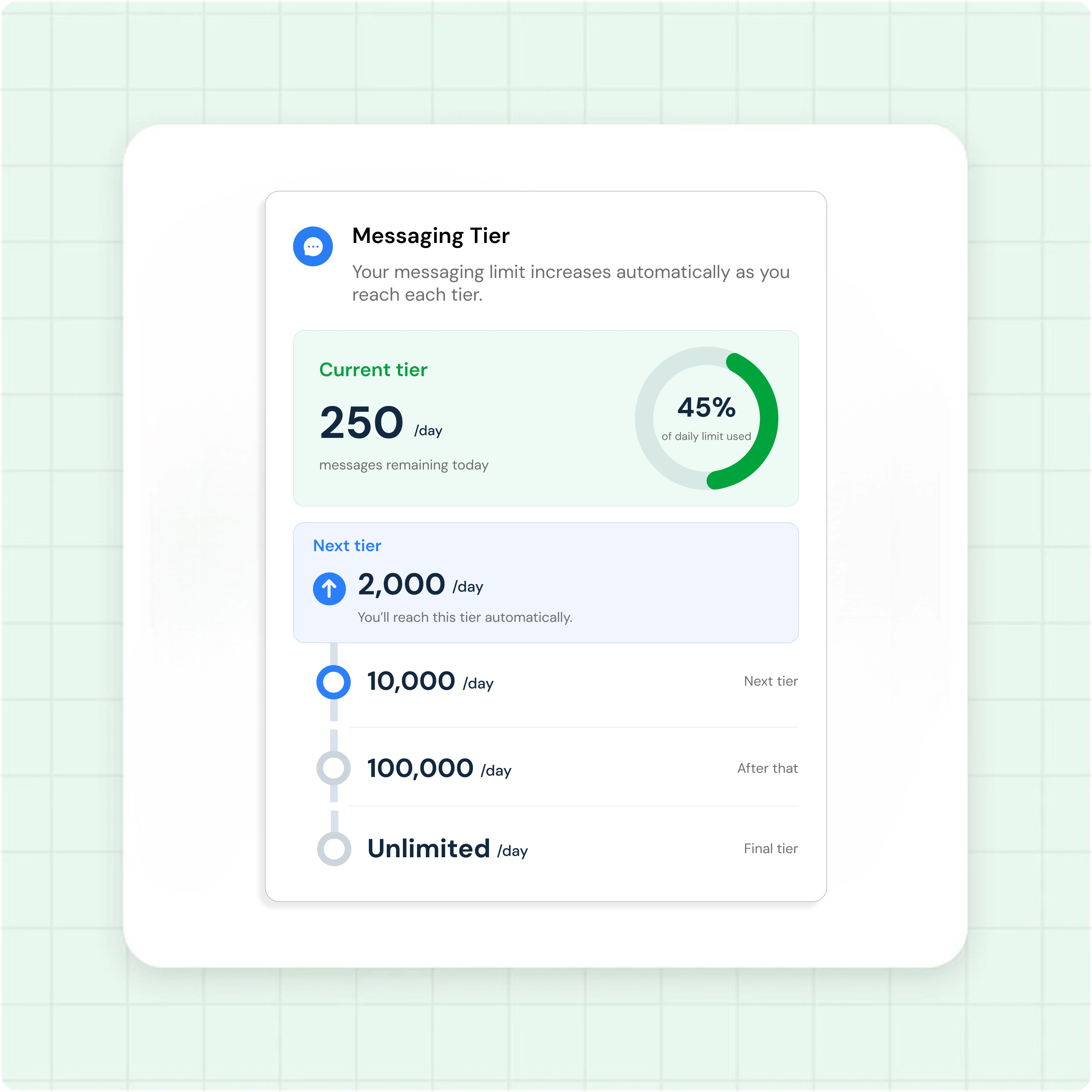
Reach more customers as Meta lifts your limit
Verify your business with Meta and your daily messaging limit climbs on its own.
- 250 per day before verification, 2,000 per day after
- Climbs automatically to 10,000, then 100,000, then unlimited
- Send broadcasts to the full list as your tier grows
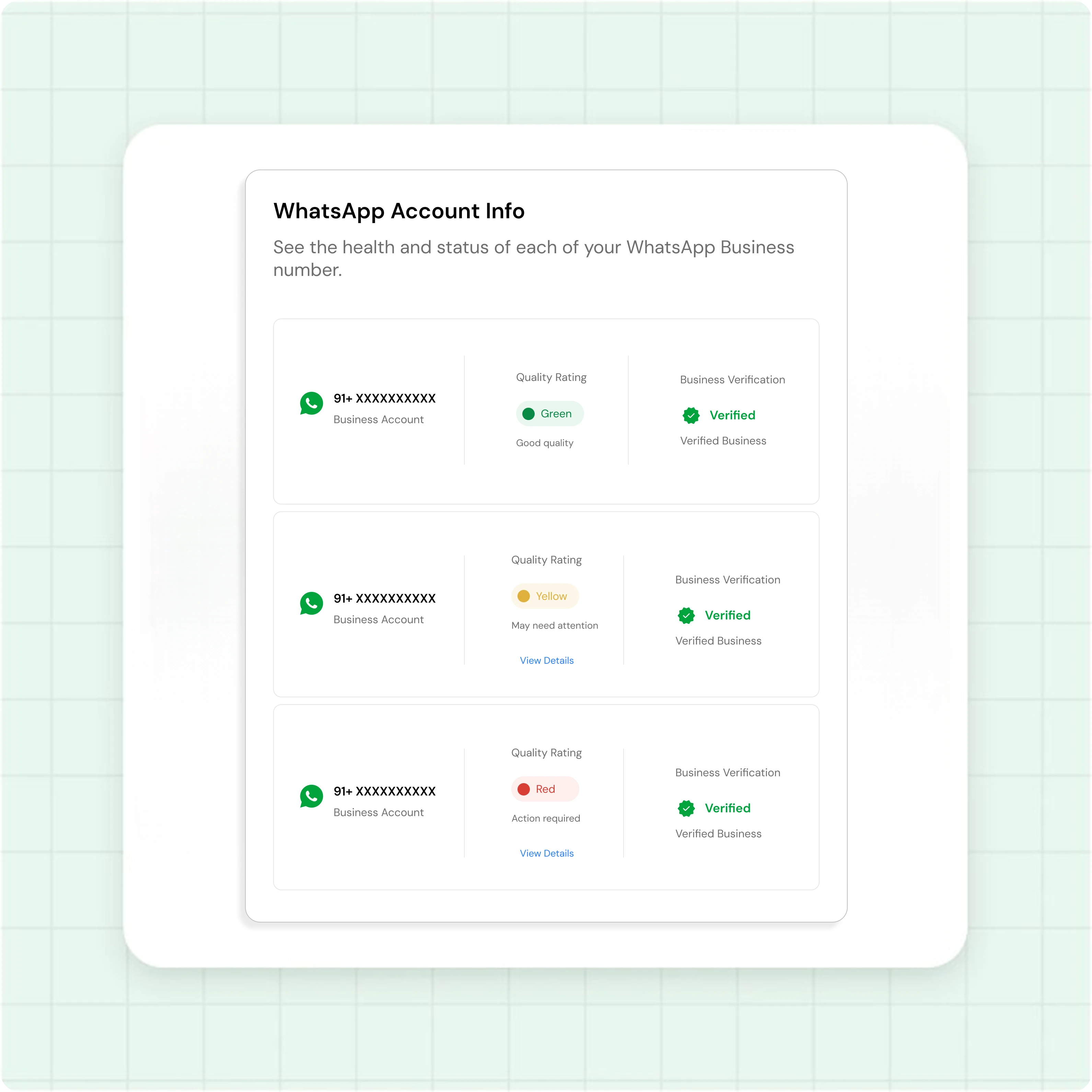
See your account health at a glance
The WhatsApp Account Info page shows where your number stands with Meta.
- Quality rating shown as Green, Yellow, or Red
- Current messaging tier and daily sending limit
- A separate rating and tier for every connected number
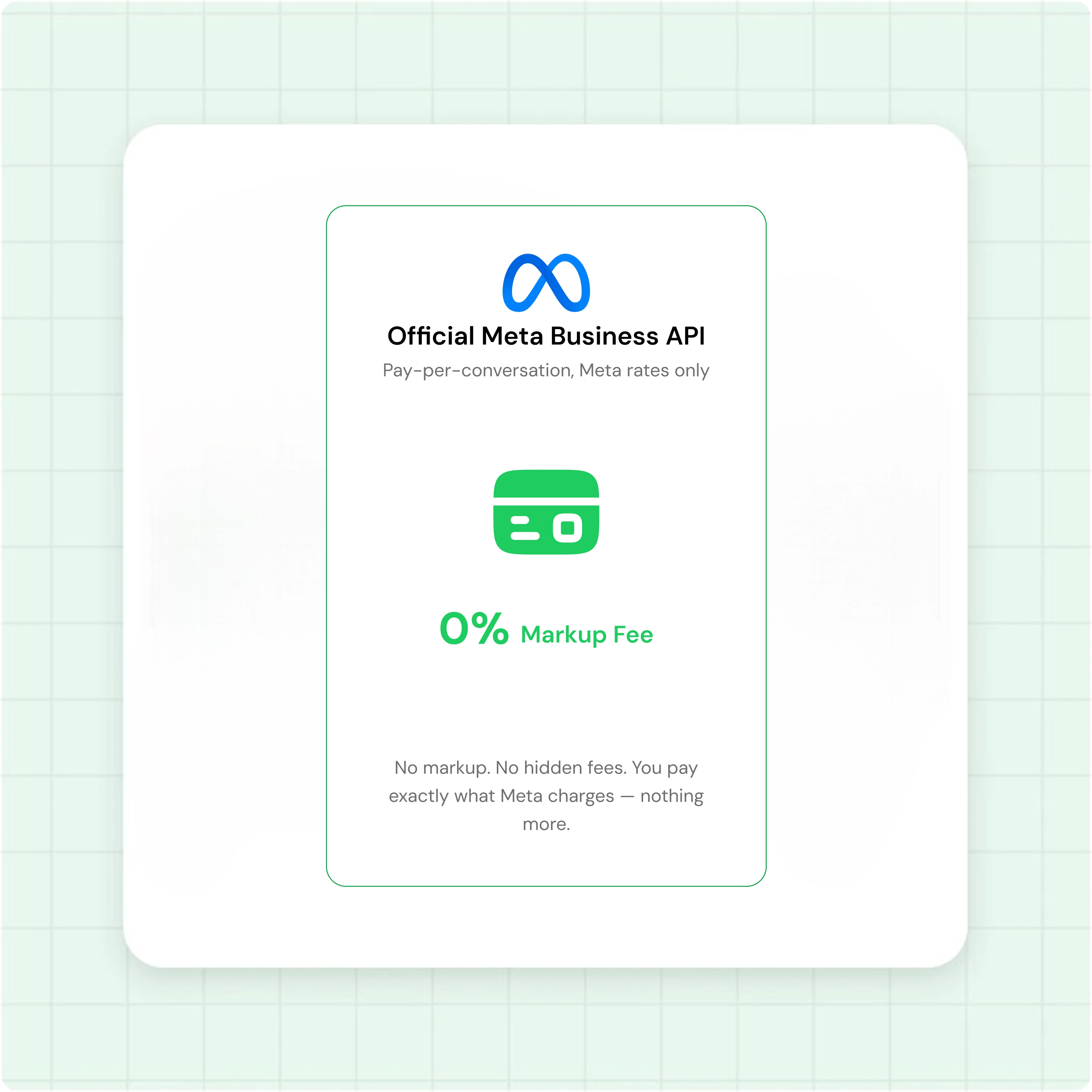
No markup on Meta's per-message fees
Waplify charges for the platform. Meta charges for the messages. Nothing hidden in between.
- Meta's per-conversation fee goes directly to Meta
- Your Waplify subscription covers platform access only
- The platform fee stays flat no matter how much you send
From sign-up to your first message
-
Sign up
Create a Waplify account with email or Google. The dashboard opens with a Get Started checklist.
-
Connect your number
Click Connect Number, sign in to your Meta Business Portfolio, and link the number from your WhatsApp Business App.
-
Verify your business
Upload a business document and submit it to Meta. Review takes about 48 hours and raises your messaging limit.
-
Add payment and send
Add a payment method on Meta to cover message fees, then send your first template message or campaign.
How real teams use the WhatsApp Business API
-
A real estate brokerage moving chats off personal phones
A brokerage links one WhatsApp Business API number for three agents. Buyers reach the business, not a personal phone, and every enquiry lands in one shared team inbox.
-
A multi-branch clinic capturing patients offline
A clinic connects one API number for appointment reminders. Patients scan a poster QR code made with the WhatsApp QR Code Generator, so new contacts opt in on their ow
-
An accountancy firm preparing for tax season
A chartered accountancy firm verifies its business before filing season. The daily limit moves from 250 to thousands, so it sends filing reminders to every client without hitting a cap.
Common questions
Quick answers to the questions buyers ask most
1. What is the WhatsApp Business API?
2. How is the API different from the WhatsApp Business app?
3. How does WhatsApp Business API pricing work?
4. Can I get the green tick on WhatsApp?
5. Does Waplify work for my industry?
6. What does the lifetime plan include?
Get Lifetime Access to Waplify Today
Stop paying for monthly subscriptions. Automate your business forever with a one-time investment.
Lifetime plans from $199