
WhatsApp Automation That Follows Up While You Sleep
Set the follow-up once and it runs without you. A drip sequence spaced over days, a conversation flow that answers on its own, or a rule that fires the second a lead arrives. Every message goes out on the Official WhatsApp Business API.
Drip sequences and advanced flow actions are included from Growth up.
What is WhatsApp automation?
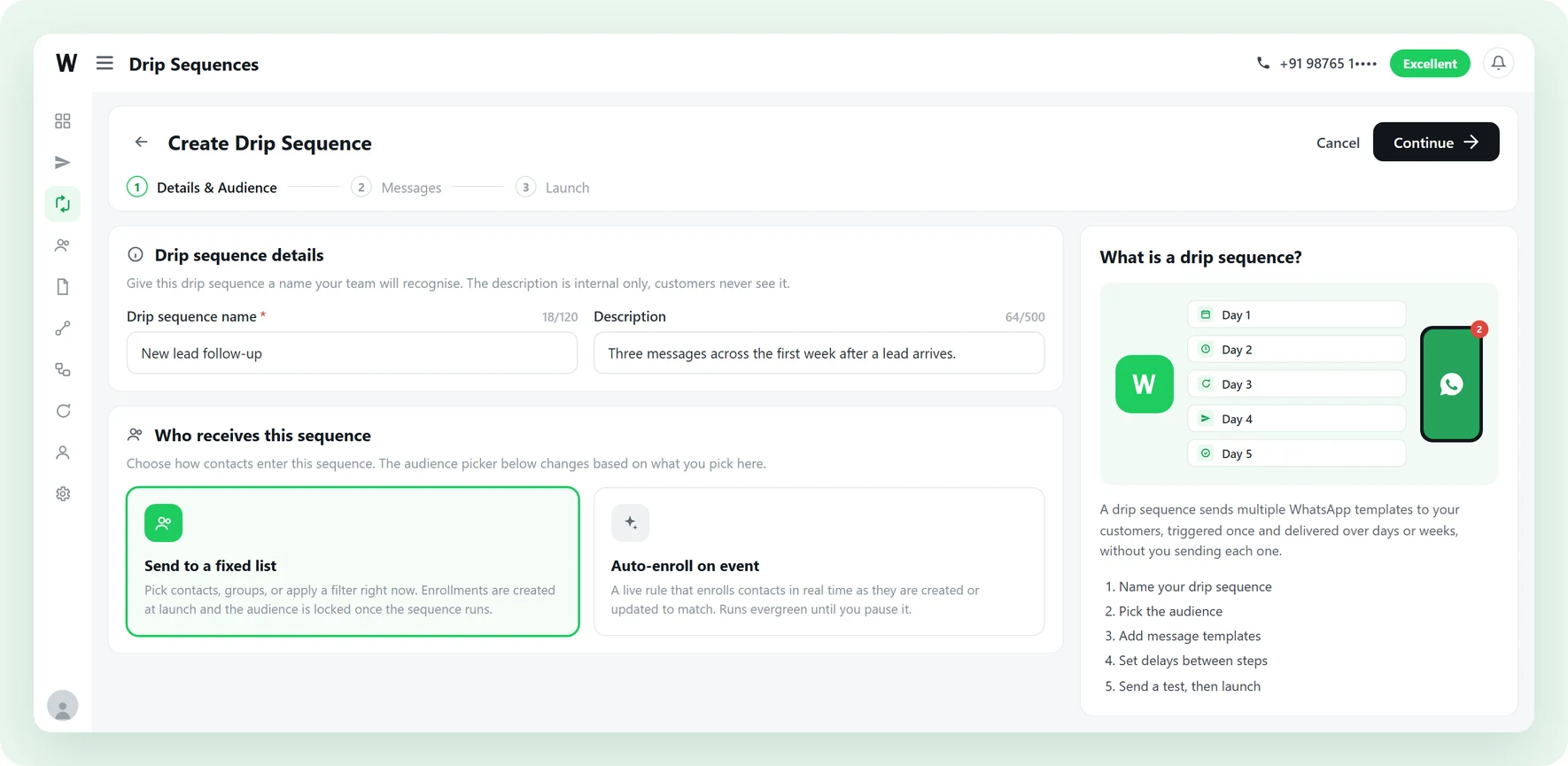
WhatsApp automation is software that sends and answers WhatsApp messages on its own, using rules you set once instead of someone typing each message. On the Official WhatsApp Business API from Meta it covers three jobs: scheduled follow-up over days, replies to an incoming message, and messages that fire when something changes in your data.
-
A drip sequence
Up to 7 approved templates, each with its own delay, sent to one contact at a time over days or weeks. The first message goes out on enrollment, the rest follow the schedule.
-
A conversation flow
A no-code flow that replies to an incoming message, asks a question, saves the answer, branches on it, and hands over to a person when the conversation needs one.
-
A campaign
One message to a whole list at once. Not automation in the same sense, and the right tool when you have an announcement rather than a journey.
The first message always goes out. The fourth one never does.
Almost nobody buys on the first message. Almost every business stops after it, because the follow-up is somebody remembering to do it.
-
Follow-up depends on a person being free
Evenings, weekends and busy afternoons are gaps in the queue. A lead that arrives at 9pm gets answered whenever somebody next opens the tab, and by then they have messaged three other suppliers.
-
Interested leads go quiet and stay quiet
Somebody asks for a price, gets it, and says nothing. There is no second message and no third, so the enquiry sits in the list until it is too old to be worth calling.
-
The reminder system is a spreadsheet
A tab of numbers, a column of dates, and a person copying and pasting the same message. It works until the list outgrows the person, and there is no record of who got what.
Pick the one that matches the job
Four separate features, not four names for one thing. Most businesses end up running all four at once on the same contact list. Each card below opens the page for that feature.
-
Drip sequences
Scheduled follow-up. Up to 7 approved templates, a delay of up to 30 days before each one, and a journey that can run up to 90 days. Built for welcome series, lead nurture and re-engagement.
-
Conversation flows
Rule-based, no-code, and always on. Ask a question, save the answer, branch on it, check business hours, call your own API, then assign the chat to a person. Built on the visual flow builder.
-
Triggers
What starts an automation without anyone pressing send: a keyword, a button tap, a Click-to-WhatsApp ad, a contact record changing, or a webhook from any outside tool.
-
Connectors
Google Sheets both ways, SMTP email from inside a flow, and IndiaMART enquiries arriving as contacts. Anything else connects on the REST API and webhooks.
Automation you can leave running
Automation that cannot be steered is just a faster way to annoy people. These four controls are the difference, and each one is a setting in the product, not a promise.
-
A send window your customers do not resent
Pick the days and hours follow-ups may go out in, in your own timezone. Anything due at 11pm waits for the morning.
-
It stops the moment a human is needed
Stop on reply is on by default. The moment a customer writes back they leave the sequence and land in your team inbox.
-
Reporting that names the failure
Sent, delivered, read, replied and failed for the whole sequence, then the same breakdown per step. Open a failed count and it names the reason.
-
Consent enforced at every entry point
Enrollment is gated on opt-in, and an opted-out contact cannot be pulled back in by any trigger, including an outside webhook.
Four steps to your first automated follow-up
No developer, and nothing to install. If your templates are already approved, this is an afternoon.
-
Get your templates approved
Every automated message uses a WhatsApp template Meta has approved. Write the two or three you need and submit them. This is the only step with a waiting period.
-
Decide who enters
Either pick a fixed audience of contacts, groups or a filter, or write an auto-enroll rule so contacts join in real time as they are created or updated to match it.
-
Build the journey
Add up to 7 steps. Pick a template for each, map contact fields into its variables with a fallback, and set how long to wait before it sends.
-
Set the window and launch
Choose the days and hours follow-ups may send, decide whether a reply ends the journey, then run it now or schedule it up to 90 days ahead.
The four automations that pay for themselves first
-
New lead, answered in seconds
An enquiry from an ad, a form, a sheet or IndiaMART creates the contact, and the contact-created rule sends the first reply before anyone has opened the tab. Follow-ups continue for the next few days if nobody replies.
-
Onboarding that finishes itself
A welcome message on day zero, the setup steps on day one, and the thing most customers get stuck on by day three. Turn on wait-for-delivery so the steps arrive in order even if a phone was offline.
-
Quiet customers, brought back
Tag the contacts who have gone quiet and let the auto-enroll rule pick them up as the tag is applied. Two or three spaced messages, and anyone who replies leaves the sequence and lands in the inbox.
-
Status updates nobody has to send
A status change in your own system sends a webhook, the flow starts, and the customer hears about the order, the appointment or the renewal without anyone being asked to remember.
WhatsApp automation questions, answered
The ones that come up before anyone asks about features.
1. Is WhatsApp automation legal?
2. Can you automate sending WhatsApp messages?
3. Is WhatsApp automation free?
4. Do I need approved message templates?
5. What is the difference between a drip sequence and a chatbot flow?
6. Can I automate birthday or renewal reminders?
7. When do automated messages actually send?
8. What reporting do I get on a sequence?
9. How does a contact leave an automation?
10. What happens when a customer replies?
11. How many messages can one sequence send?
12. Will automated messages get my number banned?
13. Does WhatsApp automation work without the Business API?
Get Lifetime Access to Waplify Today
Stop paying for monthly subscriptions. Automate your business forever with a one-time investment.