
The Waplify API, and the webhooks that answer back
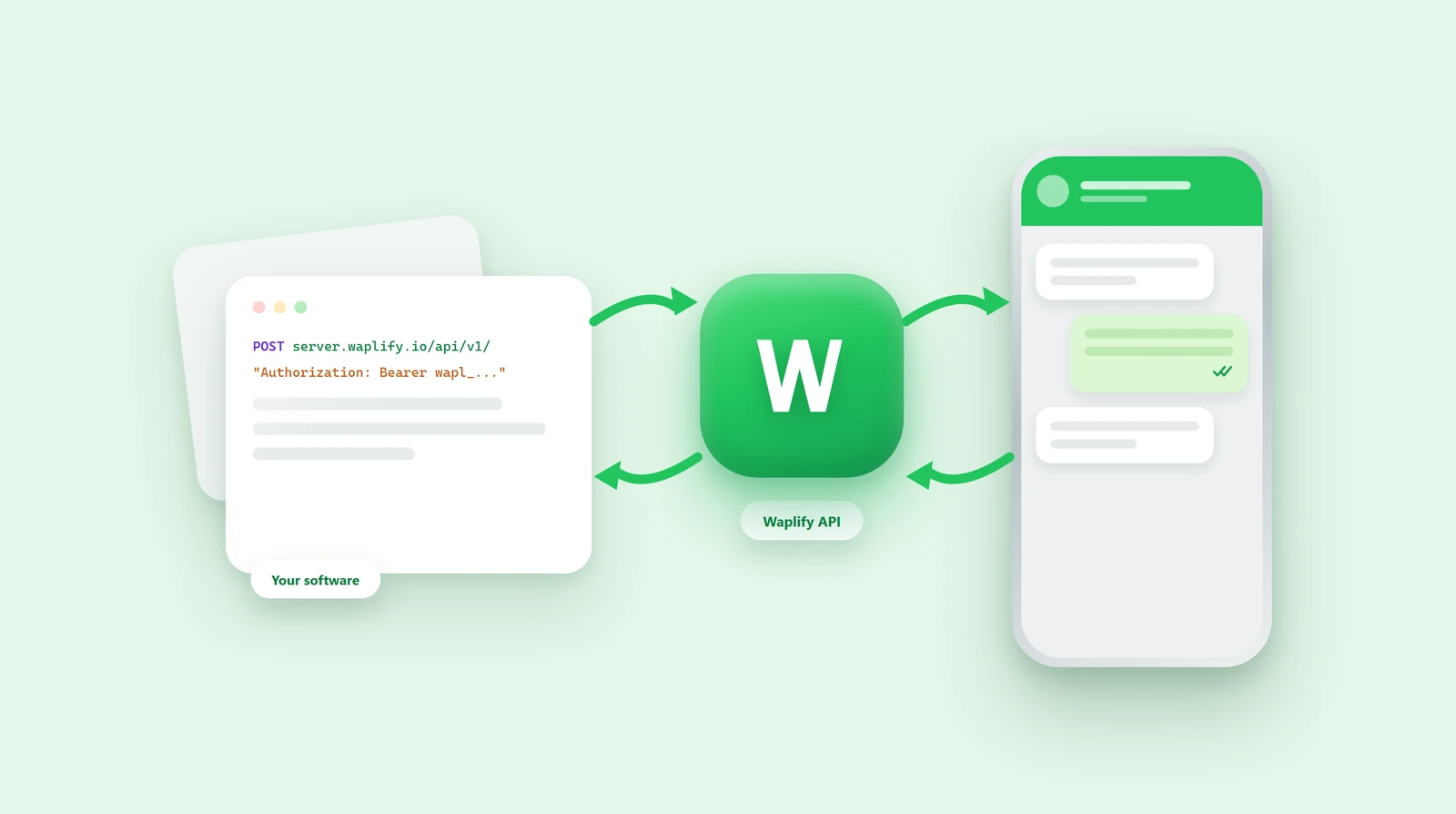
Two halves of the same thing. The API is how your software talks to Waplify. Webhooks are how Waplify talks back. One key, and both are included on every plan.
Full reference, request examples and a Postman collection in the docs.
What is the Waplify API?
The Waplify API is a REST API that lets your own software send WhatsApp messages and manage contacts, campaigns and conversations, without anyone opening the dashboard. Waplify webhooks are the other direction: Waplify posts to your server the moment a message is delivered or read, a customer replies, or a chat is assigned. Together they keep your system and your WhatsApp account in step.
-
You call the API
Your code sends a request. Waplify does it and answers.
-
Webhooks call you
Something happens on WhatsApp. Waplify posts it to your URL.
-
One key for both
Created once under Developers. No separate plan, no per-call fee.
What you can do with the Waplify API
Four things. The full reference is one click away.
-
Send messages
An approved template, or a free-form reply inside an open conversation.
-
Run campaigns
Create a broadcast, send it in the background, read the delivery stats back.
-
Manage contacts
Create, list, fetch and delete contacts, and build the groups you send to.
-
Assign chats
List your agents, then assign, unassign or reopen a conversation.
What Waplify tells your server
Eleven events, and they answer three questions. Payloads are in the docs.
-
Did it arrive?
Sent, delivered, read and failed, per message, as it happens.
-
Did they respond?
Inbound messages, replies to your sends, and quick-reply button taps.
-
Who is handling it?
Chats assigned, resolved and reopened, so your CRM can mirror the inbox.
Three steps
The key takes a minute. The rest is one request.
-
Create a key
Developers, then API. The key starts with wapl_ and is shown once.
-
Call an endpoint
Send it as Authorization: Bearer to server.waplify.io, under /api/v1/.
-
Add a webhook
Developers, then Webhooks. Add your URL and pick the events you want.
API and webhook questions
1. Can I send any message I want through the API?
2. What is the difference between the API and a webhook?
3. How do I authenticate?
wapl_ and is shown only once. The base URL is https://server.waplify.io and every endpoint sits under /api/v1/. Full detail in the authentication guide.4. Which events can a webhook send me?
5. What if my server is down when an event fires?
6. Do I need the API to connect my CRM?
7. Is there a Postman collection?
8. How do I know when something changes?
9. Is it included on my plan?
Get Lifetime Access to Waplify Today
Stop paying for monthly subscriptions. Automate your business forever with a one-time investment.