
WhatsApp Broadcast That Reaches Your Whole List
Send one message to your whole contact list and each person receives it as a private chat, whether or not they have your number saved. Live delivery reporting on every send.
What is a WhatsApp broadcast?
A WhatsApp broadcast is one message sent to many contacts at once, where each person receives it in their own private chat rather than a group. Nobody sees who else got it, and every reply comes back to you privately. The free WhatsApp Business app limits how many contacts one list can hold; the Official WhatsApp Business API has no per-list cap.
-
The list caps out
A broadcast list in the free WhatsApp Business app holds a fixed maximum. Past it you are splitting the list by hand and sending the same message over and over.
-
Only saved numbers receive it
The free app delivers a broadcast only to people who have your number saved in their phone. Most customers never save it, so they never see the message.
-
No delivery reporting
Two grey ticks on your own screen is the whole report. Nothing tells you who read it, who replied, or which numbers failed.
Built for any business that talks to customers on WhatsApp
-
Agencies
Manage multi-client retainers, approvals, and weekly briefings.
-
Coaching
Track batches, admissions, fee notices, and class reminders.
-
Education
Reach students and parents with fees, exams, and class updates.
-
Medical & Clinics
Appointment reminders, follow-ups, and branch alerts.
-
Tourism
Share itineraries, seasonal offers, and trip-day reminders.
-
Travel agencies
Send trip plans, booking updates, and post-trip follow-ups.
-
Real estate
Send listing alerts, qualify buyers, and book site visits.
-
Professional services
Client onboarding, milestones, and renewal nudges.
-
Finance & Insurance
Policy reminders, EMI alerts, and document collection nudges.
What is the WhatsApp broadcast limit?
Two different limits get confused here. The free WhatsApp Business app caps how many contacts a single broadcast list holds. The Official WhatsApp Business API has no per-list cap. It has a messaging limit instead: how many unique customers you can start a conversation with in 24 hours, which rises automatically as your quality rating holds.
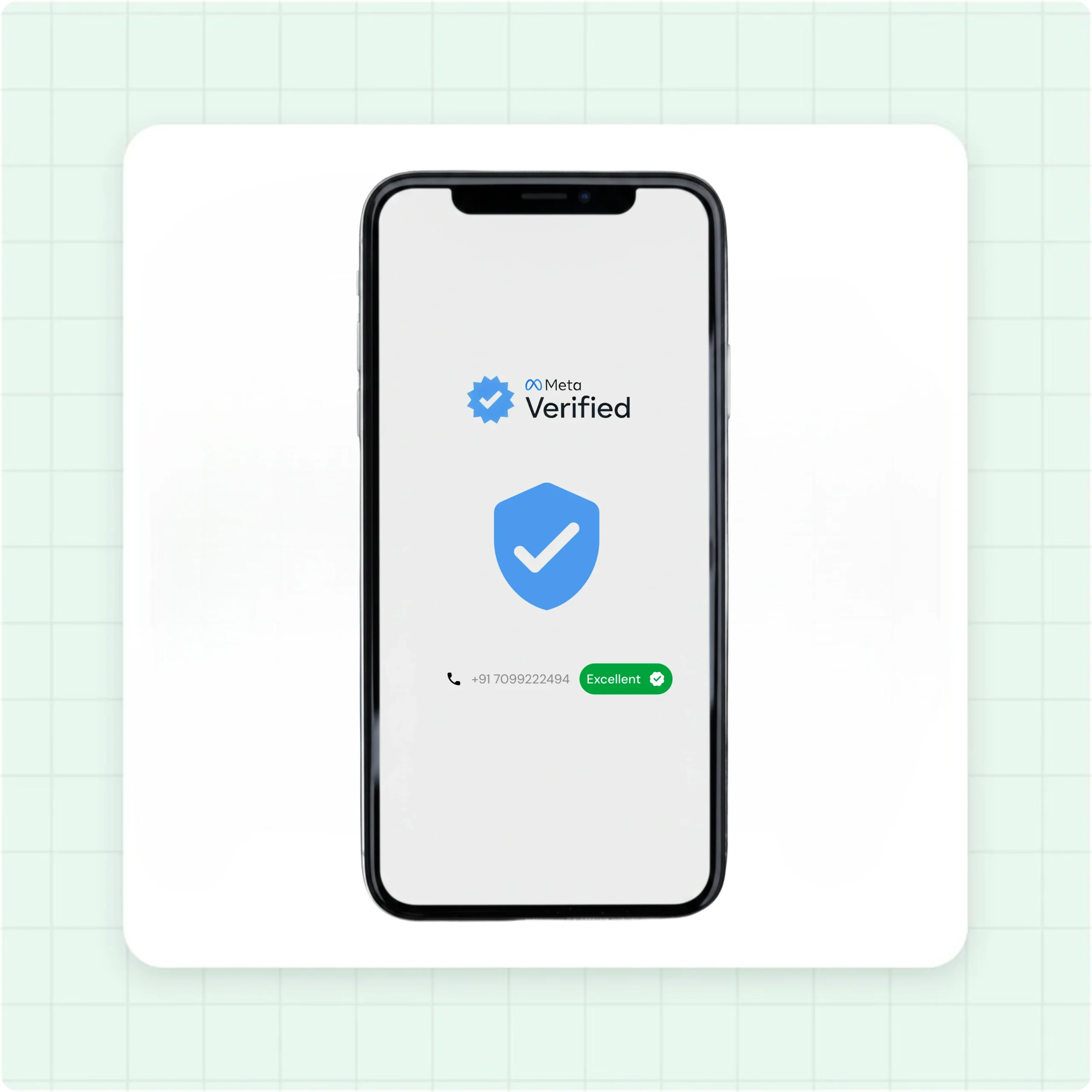
Your number stays safe
Broadcasts go out on Meta’s Official WhatsApp Business API, so your number is never at risk of a ban.
- Approved Meta templates only, never raw bulk sends
- Quality rating and messaging tier visible in the dashboard
- 250/day pre-verification, 2,000+/day after, automatic tier-up
- 99.9% platform uptime
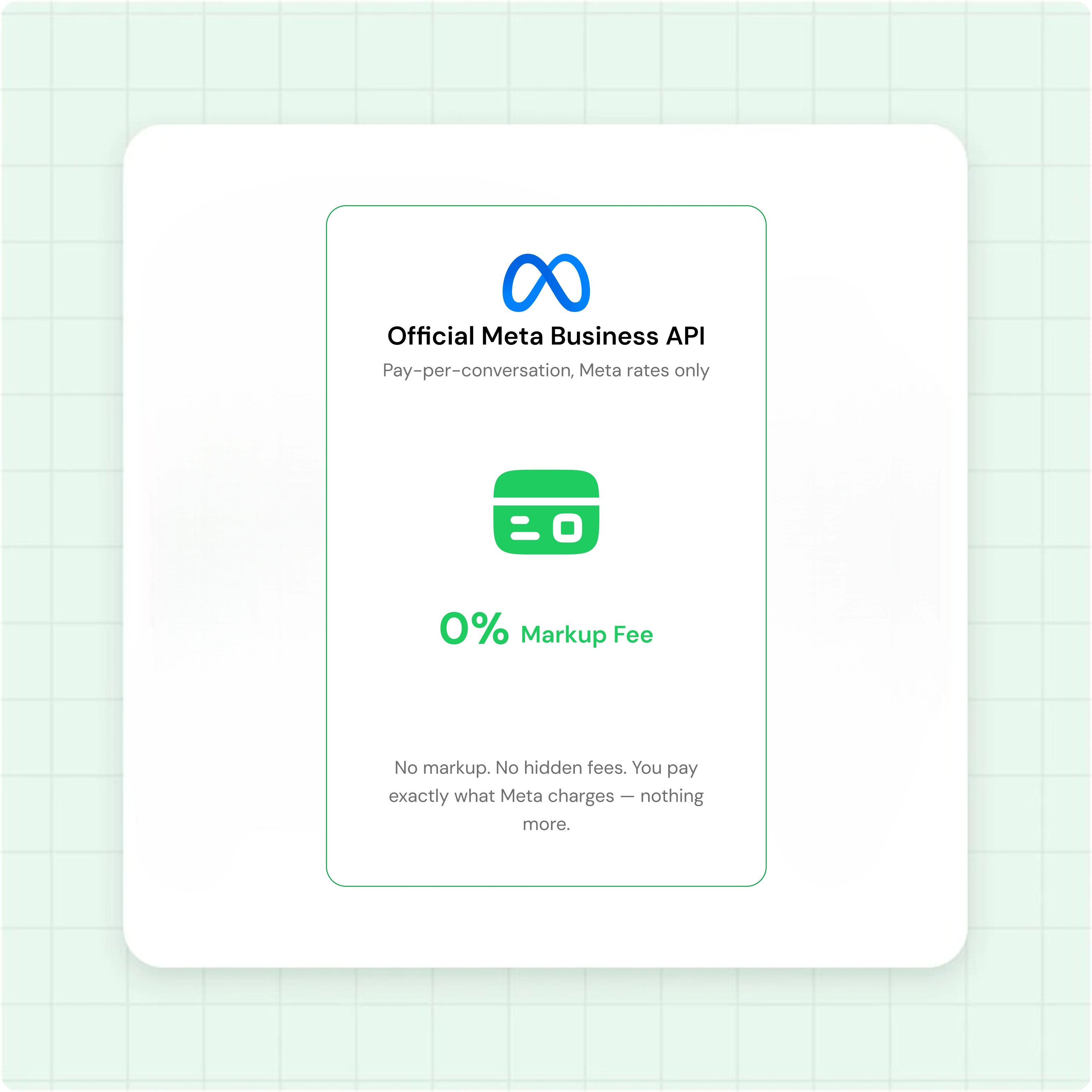
You pay Meta directly, at Meta rates
Waplify charges for the platform. Meta charges for the messages. Two separate bills, zero hidden margin.
- Meta's published rates passed through directly
- Subscription covers platform access only
- Per-message Meta fee shown live during campaign creation
- Pay Meta directly using the payment method set at onboarding
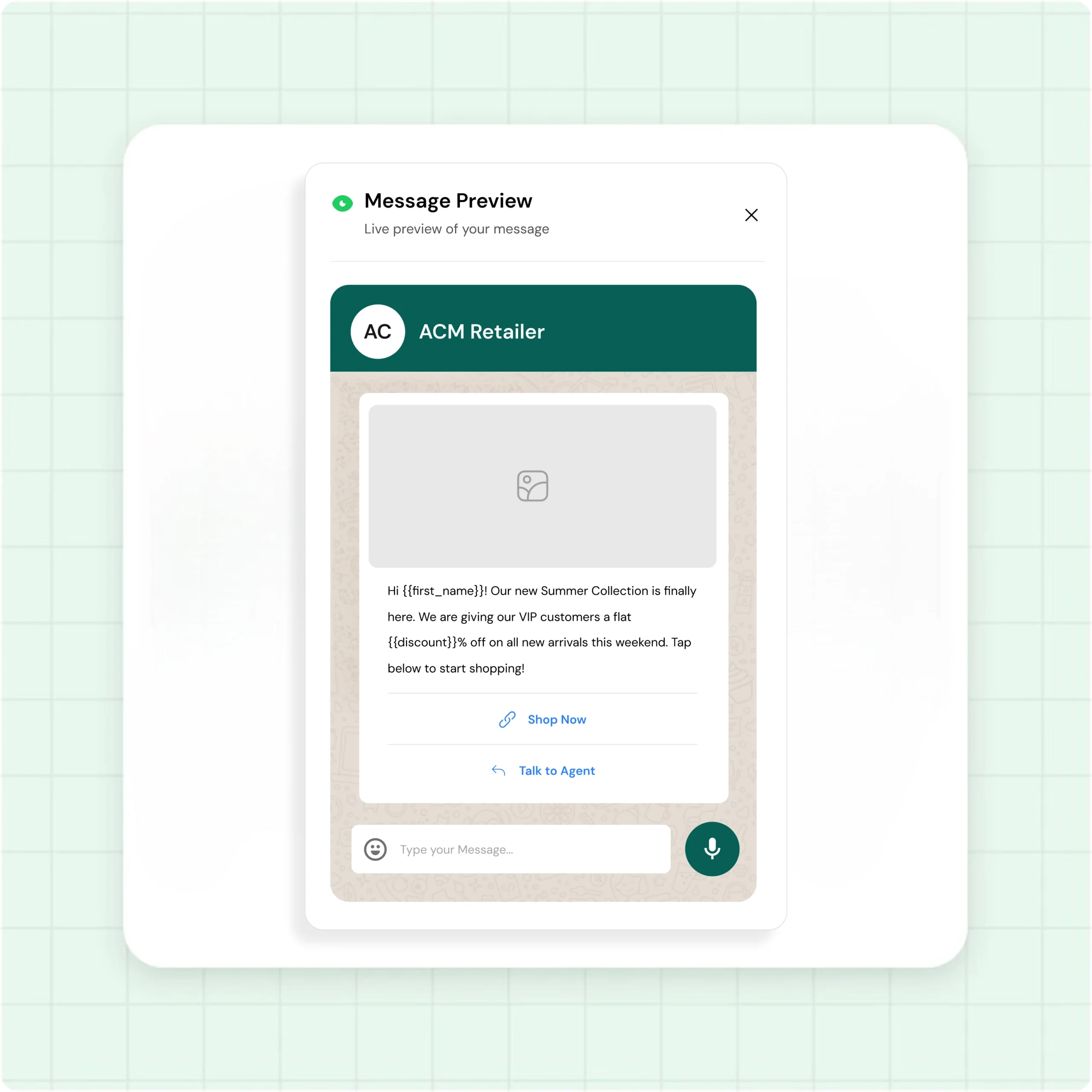
Personalize every message at scale
Map template variables, attach media, preview the personalized message before you send.
- Bind {{1}}, {{2}} to First Name, Phone, Email, or any custom field
- Image, video, and PDF media headers
- CSV or Excel upload, unlimited contact upload
- Live preview of the personalized message before send
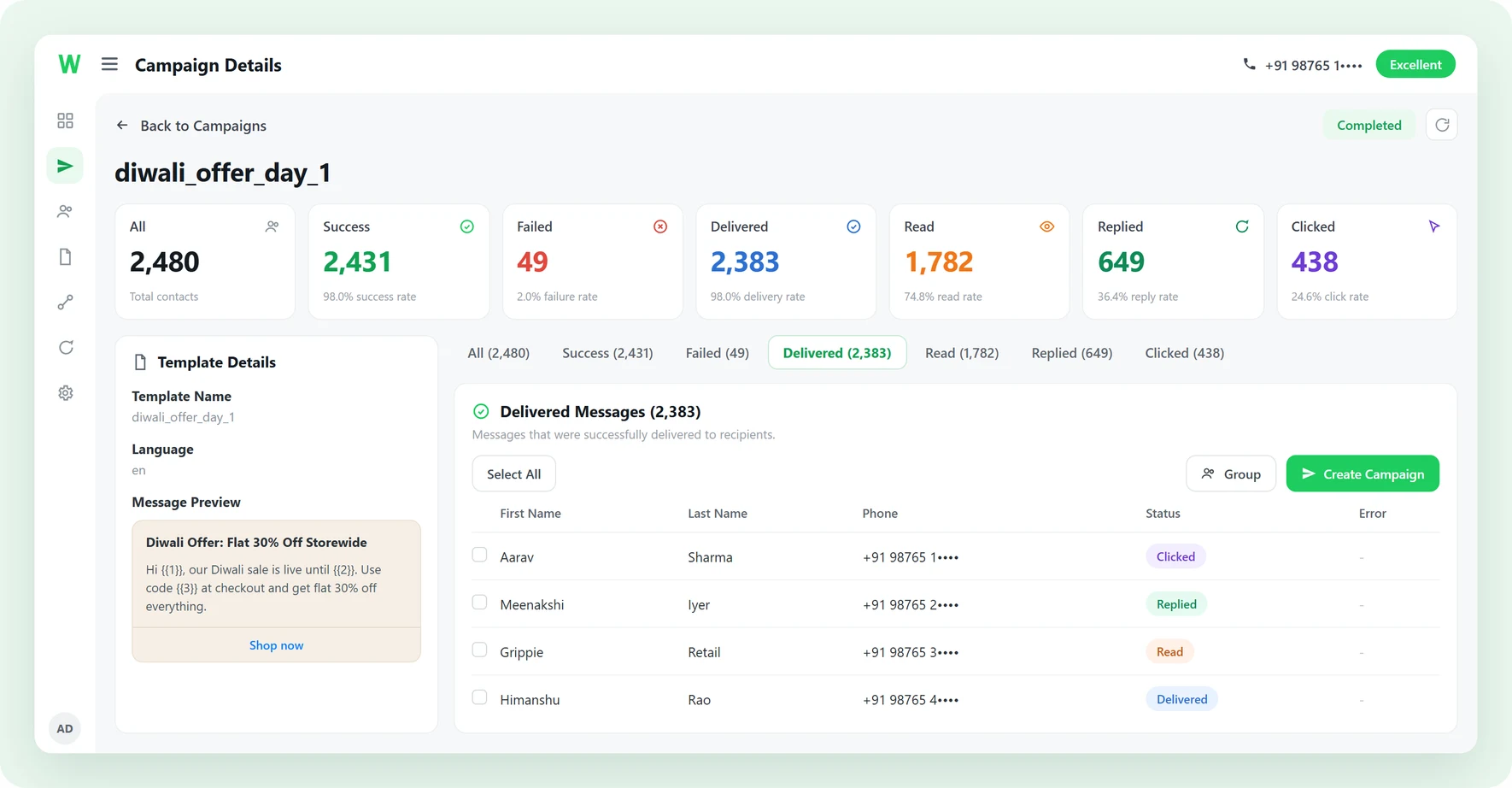
Track every message in real time
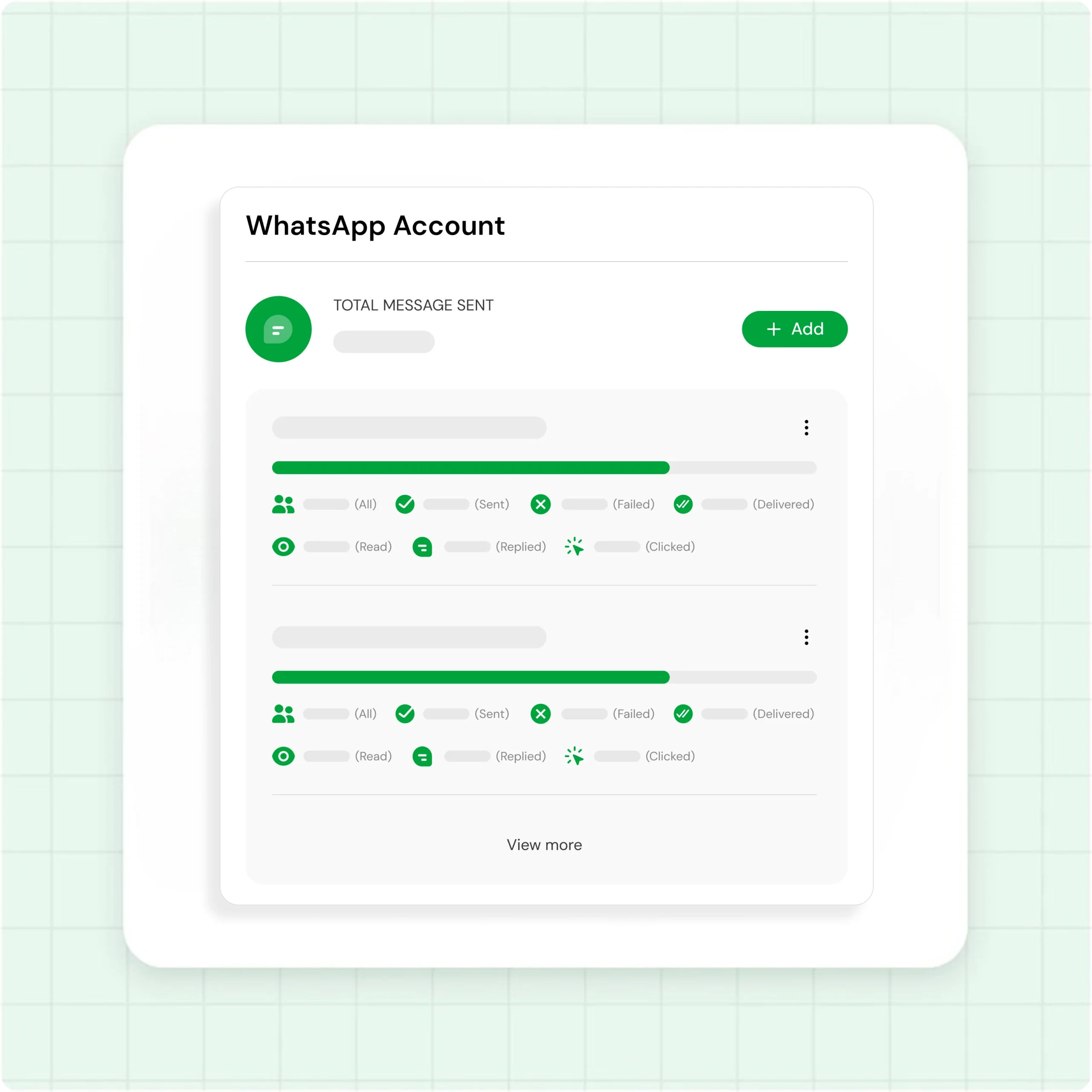
The campaign report updates live after you hit send.
- Sent, Delivered, Read, Clicked, and Failed status per message
- Per-contact failure reason (invalid number, billing, quality)
- One-click CSV export of the full recipient list
- Customer replies land in the shared team inbox
How to send a WhatsApp broadcast
-
Connect your number
Sign up at app.waplify.io, link your number through Meta's WhatsApp Business API, add a Meta payment method.
-
Sync templates
Create templates inside Waplify or click Sync Templates to pull approved templates from Meta. Add variables and media.
-
Build the campaign
Pick a template, map variables, choose recipients (contacts, groups, or pasted numbers). Send now or schedule with timezone.
-
Track in real time
Watch Sent, Delivered, Read, Clicked, and Failed update live. Per-contact failure reasons. Export to CSV.
How real teams use Waplify for broadcasts
-
A digital marketing agency following up on a webinar
A digital agency uploads webinar leads, schedules a two-part sequence (replay plus offer), and tracks replies in one dashboard. Full send under 15 minutes.
-
An education institute announcing a new batch
A coaching institute imports students via CSV, maps {{1}} to First Name, and broadcasts a new-batch announcement. Meta's marketing rate is paid directly.
-
A travel agency pushing seasonal offers
A travel agency tags past customers by destination. When seasonal packages launch, they schedule a broadcast with a deal PDF. Replies land in the shared inbox.
WhatsApp broadcast questions, answered
The ones people ask before they ask about pricing.
1. What is a WhatsApp broadcast list?
2. How many people can I send a WhatsApp broadcast to?
3. What actually changes between the free app and the API?
| Free Business app | Official WhatsApp Business API | |
|---|---|---|
| Contacts per broadcast | Fixed cap per list | No per-list cap. Governed by your Meta messaging tier |
| Must they save your number? | Yes | No |
| Personalisation | Same text for everyone | Template variables per contact |
| Delivery reporting | Ticks on your screen | Sent, delivered, read, replied, failed |
| Scheduling | No | Yes |
| Approved templates | Not required | Required for business-initiated messages |
4. Should I use a broadcast or a group?
5. Why did my WhatsApp broadcast not reach everyone?
6. Do I need approved templates and opt-in?
7. Will my WhatsApp number get banned if I broadcast with Waplify?
8. What does a WhatsApp broadcast cost?
9. Can I automate follow-ups after a broadcast?
Get Lifetime Access to Waplify Today
Stop paying for monthly subscriptions. Automate your business forever with a one-time investment.
Lifetime plans from $199