
Example of WhatsApp Broadcast Message: 15 Templates You Can Copy (2026)
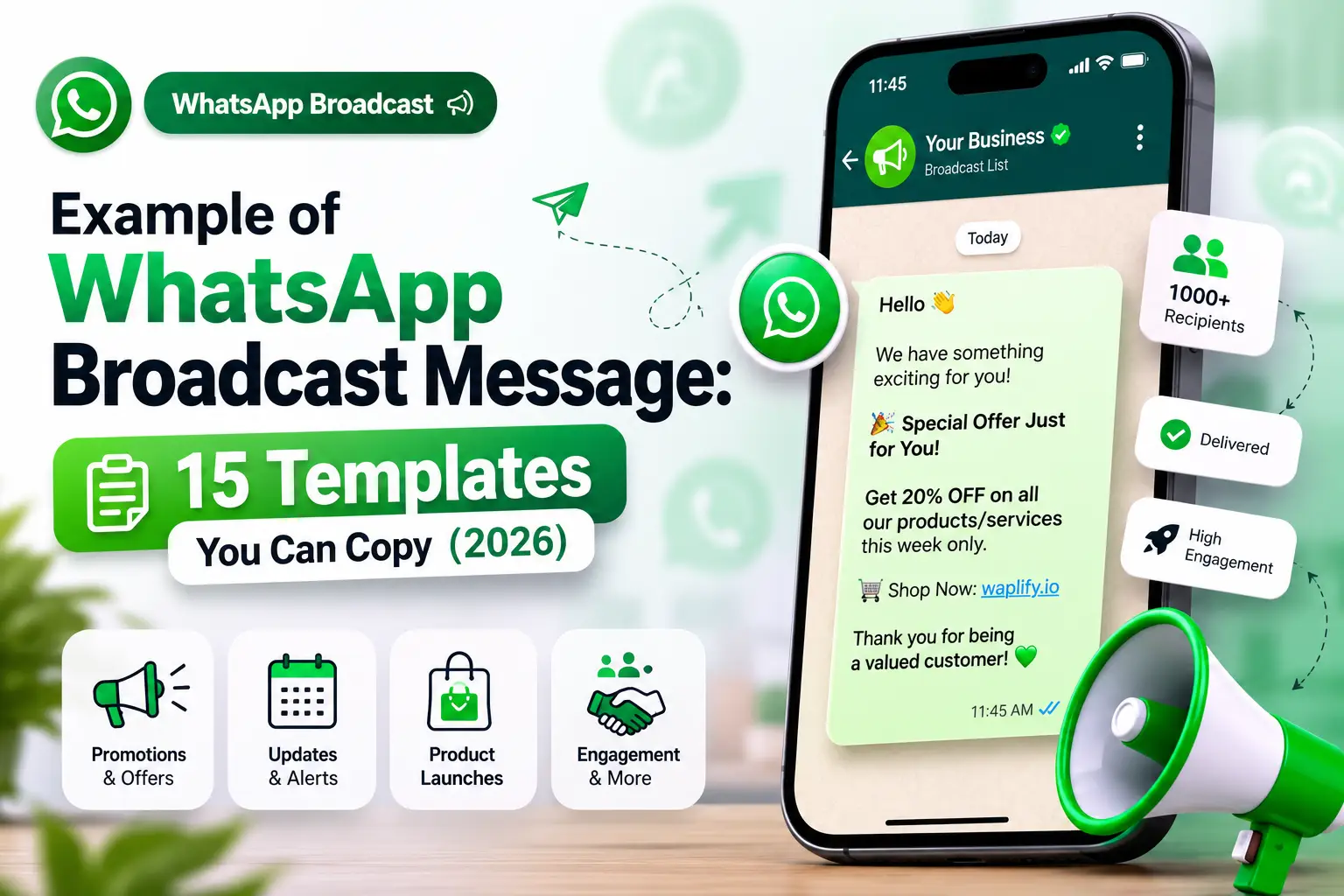
A WhatsApp broadcast message is a single message you send once, but every recipient gets it as a private, one-to-one chat: no group thread, no visible contact list. A good example of a WhatsApp broadcast message is the difference between a blast that gets muted and one that gets read. This guide collects 15 real broadcast message examples across offers, order updates, reminders, and OTPs, shows how broadcasting differs between the free WhatsApp Business App and the WhatsApp Business API, and covers the compliance rules Meta enforces in 2026.
What Is a WhatsApp Broadcast Message?
A WhatsApp broadcast message is one message sent to many contacts at once, where each person receives it in their own private chat rather than a shared group. Recipients can't see who else got it, and any reply comes back to you alone.
There are two ways to send one. The free WhatsApp Business App builds broadcast lists capped at 256 contacts, and only people who already have your number saved receive them. The WhatsApp Business API, the infrastructure platforms like Waplify run on, removes that cap, so businesses can broadcast to thousands of opted-in contacts with scheduling, personalization, and delivery tracking the app doesn't offer.
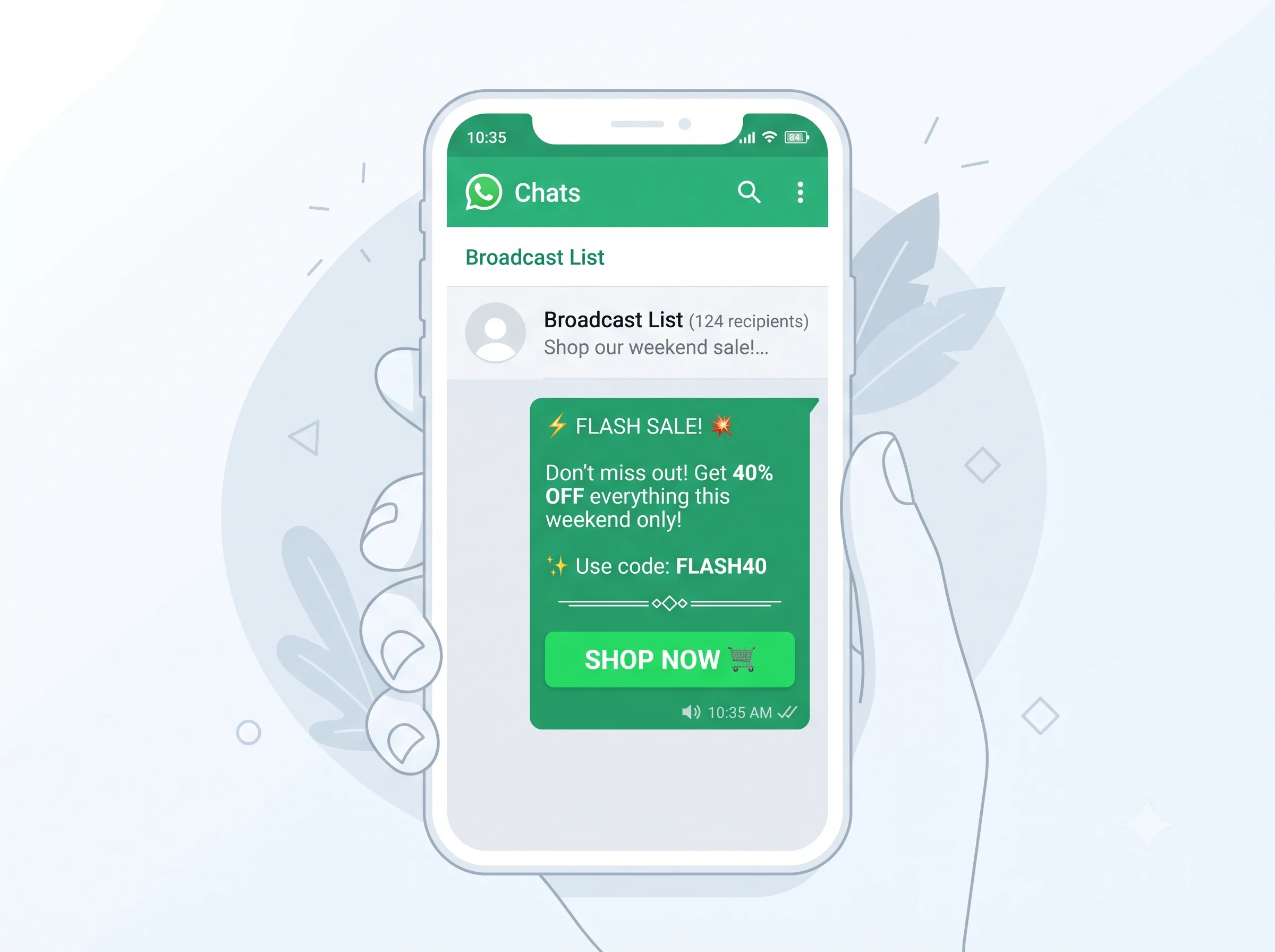
The 4 Types of WhatsApp Broadcast Messages
Every WhatsApp broadcast falls into one of four categories, each with different rules and pricing.
Marketing broadcasts cover sales, discount codes, launches, and cart-recovery nudges. They need explicit opt-in and are the priciest type under Meta's 2026 rates.
Utility broadcasts are transactional (order confirmations, shipping updates, payment reminders), triggered by something the customer already did, so they're cheaper, and often free inside the 24-hour service window.
Authentication broadcasts deliver OTPs and login codes. They're the cheapest category with the highest delivery priority.
Service messages are replies inside that 24-hour window after a customer messages first, always free, and why a responsive team inbox matters as much as the broadcast.
Knowing the bucket a message falls into decides whether it needs Meta's approval before it can send at all.
15 Examples of WhatsApp Broadcast Messages (By Use Case)
Below are 15 examples you can adapt directly. Each keeps a single offer or update, one clear next step, and personalization through a name or order detail. Swap in your brand, dates, and links. Anything promotional needs to go out as a Meta-approved template with merge fields already defined.
| Use Case | Example Message | Type | Best For |
|---|---|---|---|
| Flash sale | "Hi {{1}}, 24-hour flash sale: 25% off everything at {{2}}. Code FLASH25, ends midnight." | Marketing | Retail / e-commerce |
| Festival greeting | "Happy Diwali from {{1}}! Enjoy 15% off our festive collection till {{2}}." | Marketing | Seasonal campaigns |
| New arrival | "New stock just landed at {{1}}! Tap to see what's in before it sells out." | Marketing | D2C brands |
| Cart recovery | "Hi {{1}}, you left {{2}} in your cart. Complete checkout in 24 hours for 10% off." | Marketing | E-commerce |
| Restock alert | "{{1}}, the {{2}} you wanted is back in stock. Order before it's gone again." | Marketing | Retail |
| Win-back | "We miss you at {{1}}! Here's 10% off your next order, valid till {{2}}." | Marketing | Retention |
| Event invite | "You're invited: {{1}} on {{2}} at {{3}}. Tap to RSVP." | Marketing | Webinars / events |
| Order confirmation | "Order #{{1}} confirmed. Total {{2}}. Expected delivery {{3}}." | Utility | E-commerce |
| Shipping update | "Your order #{{1}} is out for delivery, arriving by {{2}}. Track here." | Utility | Logistics |
| Appointment reminder | "Hi {{1}}, reminder: your appointment with {{2}} is tomorrow at {{3}}." | Utility | Clinics / salons |
| Payment reminder | "Hi {{1}}, your invoice #{{2}} of {{3}} is due on {{4}}." | Utility | Services / B2B |
| Feedback request | "How was your order, {{1}}? Rate your experience in one tap." | Utility | Post-purchase |
| Birthday / loyalty | "Happy Birthday {{1}}! Here's a gift from {{2}}: 20% off, just for you." | Marketing | Loyalty programs |
| OTP delivery | "{{1}} is your verification code for {{2}}. Valid 10 minutes. Don't share it." | Authentication | Login / signup |
| Business update | "Heads up {{1}}, we're now open Sundays too, 11am–6pm at {{2}}." | Service | General announcements |
WhatsApp Business App vs WhatsApp Business API for Broadcasting
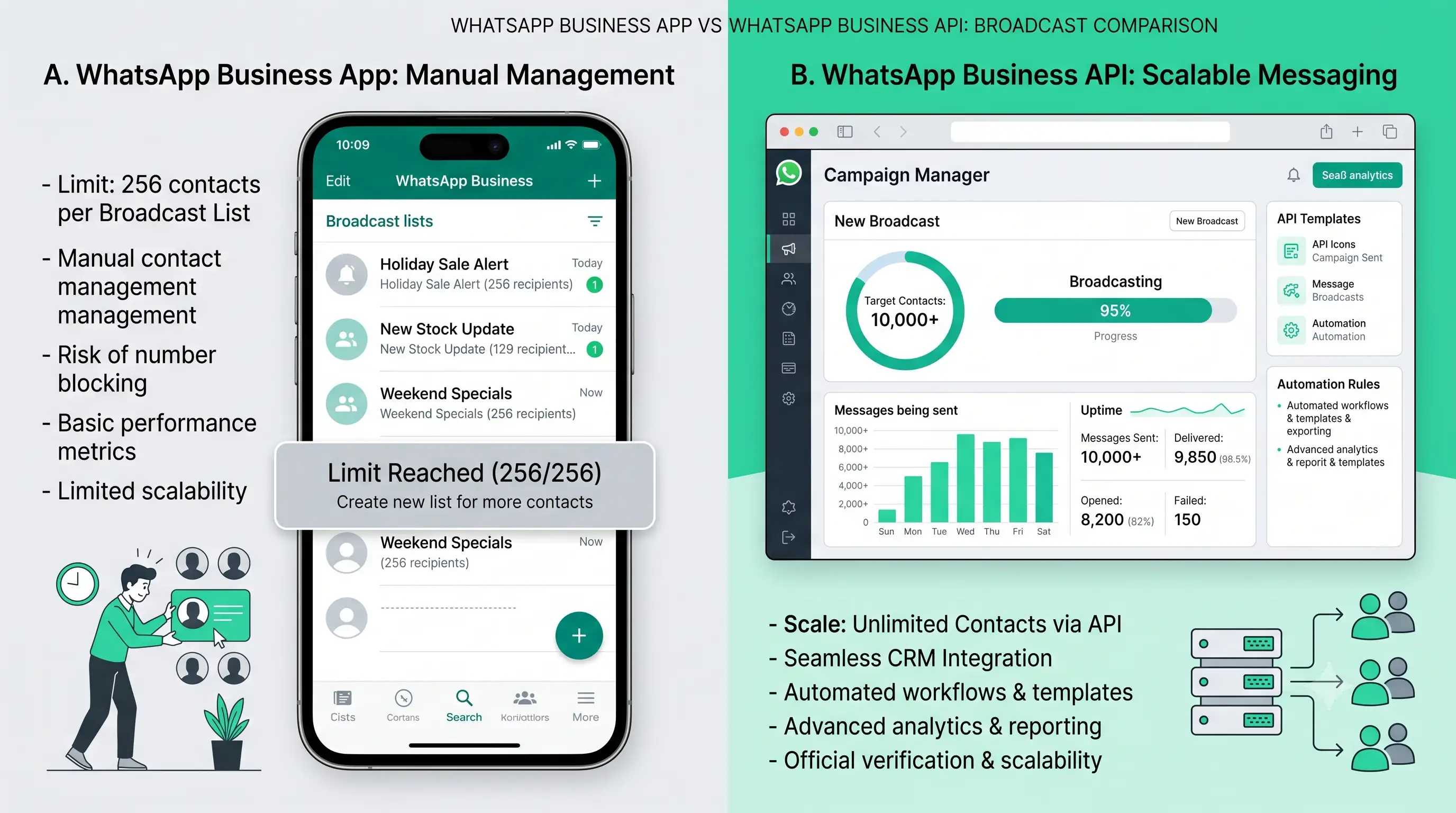
The free Business App works fine for a small list of regulars, until it outgrows 256 contacts or you need to know who actually opened the message. That's when most growing businesses move to the WhatsApp Business API, the infrastructure platforms like Waplify run on.
| Aspect | Business App | Business API | Why It Matters |
|---|---|---|---|
| Contact limit | 256 per list | 10,000+ per broadcast | Room to grow past a small list |
| Cost | Free | Pay per message (₹0.44–1.37/msg, India 2026) | Predictable budgeting at scale |
| Personalization | Same text to everyone | Merge fields per recipient | Higher open and reply rates |
| Delivery tracking | Basic tick marks | Real-time dashboard analytics | Knowing what's actually working |
| Opt-in requirement | Recipient must have your number saved | Any recorded consent: form, keyword, QR | Reach beyond saved contacts |
Rules to Follow Before You Send a Broadcast Message
Good copy doesn't matter if the message never lands. Three things decide that first.
Get real opt-in: a checkbox at checkout, a "message START to subscribe" prompt, or a QR code scan. A purchased list or an imported contact book doesn't count, and it's the fastest way to get your number reported.
Use approved templates for anything promotional. Meta reviews marketing and utility templates before they can send; free-form text only works inside the 24-hour window after a customer messages first.
Watch your frequency. Four to eight marketing broadcasts a month is a safe range; a daily blast is how open rates crash and your quality rating drops, capping how many people you're allowed to message. In India, that consent also has to hold up under the DPDPA.
How to Send a WhatsApp Broadcast Message
On the free Business App: tap the three dots, choose Broadcast Lists, add up to 256 saved contacts, then write and send. Manual every time, no scheduling.
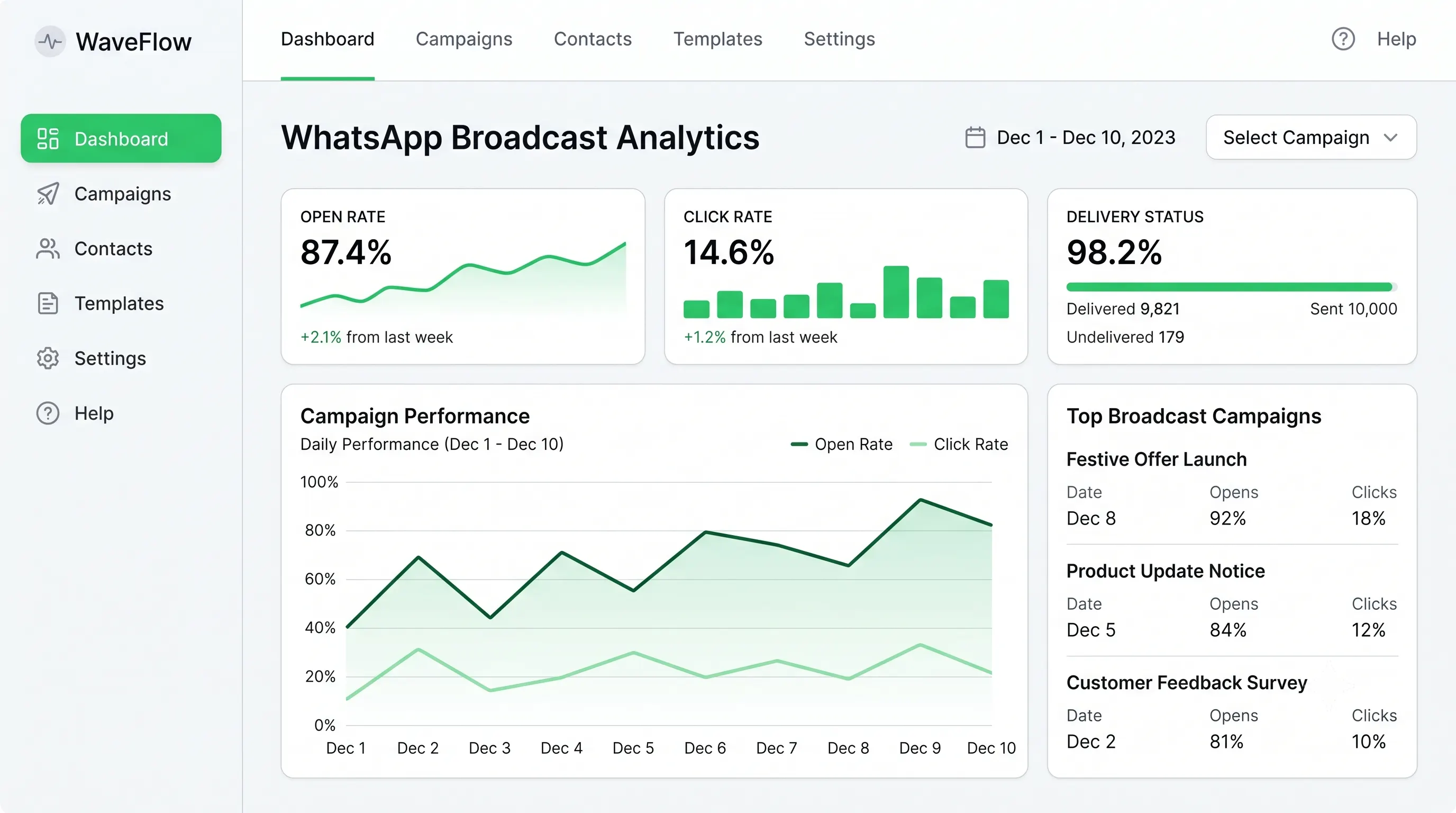
On the WhatsApp Business API: upload the contact list, pick or create a Meta-approved template, personalize it with merge fields, then schedule or send instantly. Waplify's broadcasting features handle template submission, segmentation, and delivery tracking in one dashboard. A campaign that takes an hour of manual typing in the app goes out in a few clicks, without the 256-contact ceiling or the ban risk of unofficial "gray route" tools. First-timers can check Waplify's pricing to start collecting opt-ins before the first campaign.
Frequently Asked Questions
What is an example of a WhatsApp broadcast message?
A typical example: "Hi [Name], flash sale today only: 20% off at [Business]. Use code SAVE20, ends tonight." One offer, one name, one clear action: the pattern every effective broadcast follows, whether it's promotional, an order update, or an OTP.
How is a WhatsApp broadcast different from a WhatsApp group?
In a group, everyone sees each other and every reply. In a broadcast, each recipient gets the message privately with no idea who else received it, and replies come back to you alone, not the whole list.
How many contacts can I send a WhatsApp broadcast to?
The free Business App caps each broadcast list at 256 contacts who've saved your number. The WhatsApp Business API removes that cap, supporting 10,000+ recipients per broadcast, scaling further as your quality rating improves.
Do I need consent before sending a WhatsApp broadcast?
Yes. Every broadcast requires opt-in: a checkbox at signup, a "message START" prompt, or a QR scan. Sending to a purchased or scraped list violates Meta's policy and risks your number being banned.
After sending your broadcast, track delivery and response benchmarks using our WhatsApp report sample template.
Can I personalize a WhatsApp broadcast for each recipient?
On the Business API, yes: merge fields insert each recipient's name or order details automatically. The free Business App sends identical text to everyone, with no per-recipient personalization.