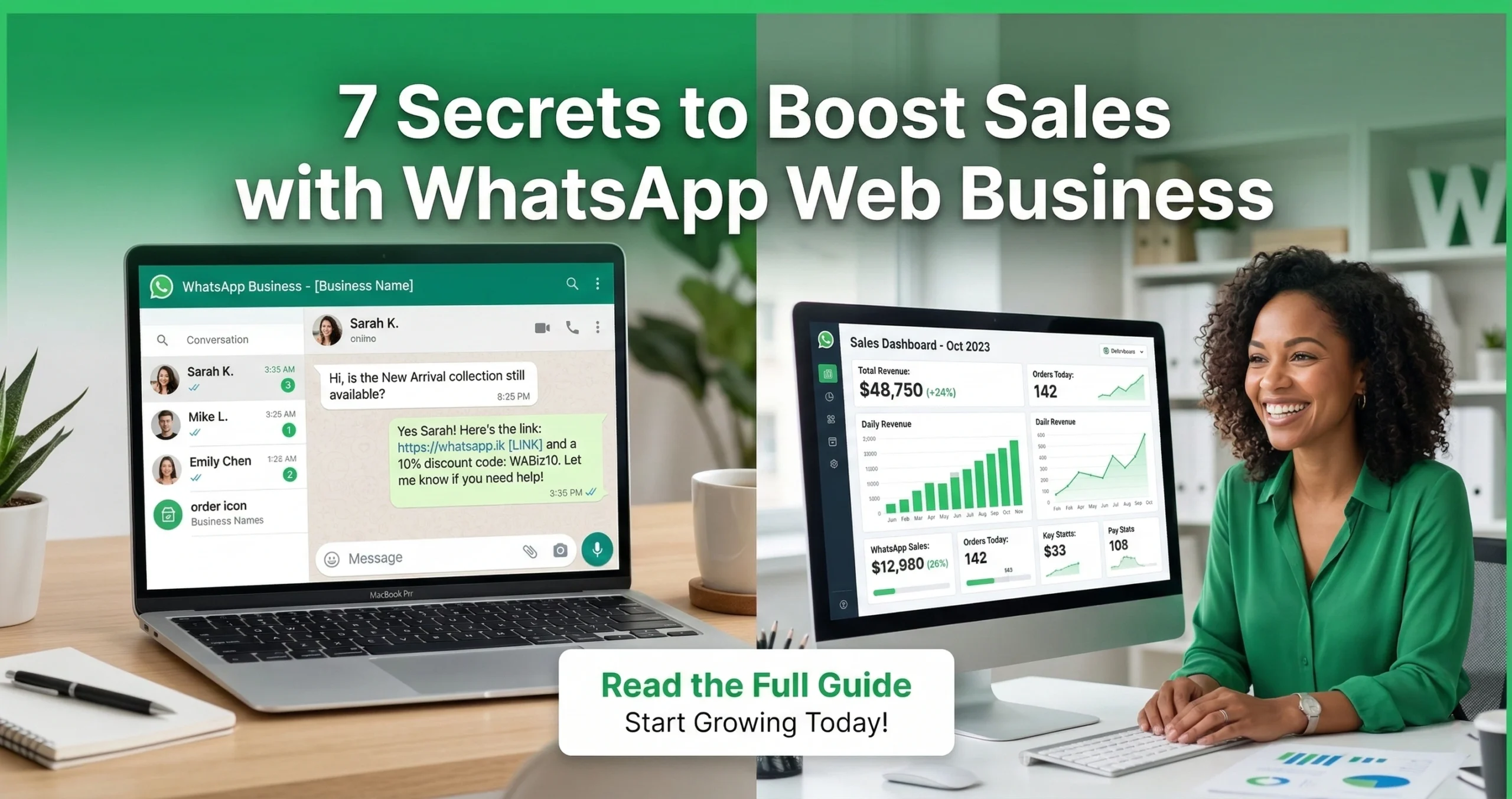

WhatsApp Business API Integration* is the advanced process of connecting the WhatsApp messaging platform directly to business software, such as Customer Relationship Management (CRM) systems, AI chatbots, and marketing tools. In 2026, this integration allows businesses to move beyond manual typing on a smartphone. It enables companies to automate thousands of messages, provide instant 24/7 support
using Artificial Intelligence, and scale customer communications efficiently. This is the foundation of modern conversational commerce.

The State of WhatsApp Automation in 2026
The way businesses talk to customers has changed forever. In 2026, customers do not want to wait on hold. They do not want to check their email for updates. They want instant answers on the app they use most: WhatsApp.
However, relying on a single phone with the standard WhatsApp app is no longer enough. As businesses grow, they need smarter tools. This is where automation takes over. By integrating the WhatsApp Business API through providers like GetItSMS, Messagedly, Getgabs, and Waplify, companies can handle thousands of chats at once without hiring hundreds of agents. This guide explains exactly how these integrations work and how they drive growth.
What is WhatsApp Business API Integration?
This section explains the core technology that powers modern business messaging. It is the bridge between your customer data and their favorite chat app.
Defining the API Connection in 2026
An API (Application Programming Interface) is like a digital waiter. It takes an order from your business software and delivers it to WhatsApp. Then, it takes the customer’s reply from WhatsApp and brings it back to your software.
In 2026, this connection is faster and smarter than ever. It does not require a physical phone to stay “on.” Instead, it lives in the cloud. This means your business is always online. You can send order updates, appointment reminders, or sales alerts automatically, triggered by actions your customers take on your website.
The Difference Between Standard App and API
Many small business owners start with the free WhatsApp Business App. This is a great tool, but it has limits. The API removes these limits.
- Standard App: Designed for one person or a very small team. It lives on a phone. If the phone creates a backup or loses internet, you go offline. You can only broadcast to 256 people at once.
- WhatsApp Business API: Designed for teams and automation. It connects to software, not a phone. Unlimited users can reply from a single dashboard. You can send messages to thousands of opted-in users instantly.
Key Takeaways for Decision Makers
For business leaders, the decision to upgrade to the API is about Return on Investment (ROI). Automation saves time and reduces errors.
Quick ROI Stats and Efficiency Metrics
In 2026, businesses using the API report significant gains. Response times often drop from hours to seconds. This speed increases customer satisfaction scores (CSAT). Furthermore, automated marketing messages on WhatsApp have open rates near 98%, which is much higher than email.
Top 3 Strategic Benefits of Integration
| Benefit Category | Strategic Advantage | Business Impact |
| Scalability | Handle 10,000+ chats simultaneously. | Grow revenue without hiring more support staff. |
| Automation | AI bots answer common questions instantly. | Staff focuses on complex issues; 24/7 service availability. |
| Data Sync | Chats are saved automatically in your CRM. | A single source of truth for all customer data. |
Why Integrate? Unlocking WhatsApp API Automation Potential
Integration turns WhatsApp from a simple chat channel into a powerful marketing and support engine.
Scaling Beyond Manual Replies
Human agents can only type so fast. They also need breaks, sleep, and weekends off. The API allows you to scale up instantly. If you run a flash sale and 5,000 people message you at once, the API handles the volume. It queues messages or uses bots to triage them. No customer is left ignored.
Enabling 24/7 AI-Driven Customer Support
The API allows you to plug in advanced Large Language Models (LLMs). These are not the “dumb” chatbots of the past. These AI agents understand context. They can handle returns, explain product features, and even process payments at 3:00 AM. This ensures you make sales even when your office is closed.
Leveraging Advanced WhatsApp Drip Campaigns
Marketing is about building relationships over time. With the API, you can set up automated sequences known as drip campaigns. For example, when a user signs up, they get a welcome message. Two days later, they receive a helpful tip. A week later, they get a discount code.
This keeps your brand top-of-mind without manual work. For a deep dive on how to structure these sequences effectively, read our WhatsApp Drip Campaigns: Setup, Strategy & Success Guide.
Top WhatsApp Business API Integrations for 2026
The power of the API comes from the tools you connect to it. Here are the most essential categories for 2026.
CRM Integrations (Salesforce, HubSpot, Zoho)
Your CRM (Customer Relationship Management) holds your customer data. Integrating WhatsApp means every chat is logged in the customer’s profile. Sales teams can see the full history of a conversation inside Salesforce or HubSpot. They can also trigger WhatsApp messages automatically when a “Lead Status” changes.
E-commerce Platforms (Shopify, WooCommerce, Magento)
For online stores, this integration is vital. It allows your store to send automated notifications.
- Order Confirmation: Sent instantly after purchase.
- Shipping Updates: Sent when the package moves.
- Delivery Alerts: Sent when the driver is nearby.
AI & LLM Connectors (ChatGPT-4o, Claude, Custom Agents)
In 2026, connecting AI models like GPT-4o directly to WhatsApp is a standard practice. These integrations act as your front-line support. They can speak multiple languages fluently and learn from your company’s help documents to provide accurate answers.
Marketing Automation Tools (Zapier, Make)
Tools like Zapier and Make (formerly Integrate) act as the “glue” for the internet. They let you connect WhatsApp to thousands of other apps without writing code. For example, you could set up a rule: “If a user fills out a Google Form, send them a WhatsApp message immediately.”

Real-World Use Cases: 2026 Industry Examples
Theory is good, but real-world examples show the true power of automation.
50+ Automation Scenarios Overview
There are countless ways to use the API. You can automate appointment booking, feedback collection, loyalty point updates, and fraud alerts. The possibilities depend on your industry. If you want to explore a massive list of ideas, check out our resource on 50 WhatsApp Automation Use Cases & Examples.
Case Study: Automated Travel Booking Confirmations
The travel industry relies on timely information. A travel agency can use the API to send tickets, flight changes, and hotel check-in codes instantly. This is safer and faster than email.
However, choosing between a direct API and a third-party tool matters for reliability. To see a detailed breakdown of how this works in the tourism sector, review the comparison on WhatsApp API vs. 3rd-Party: Travel Booking Confirmations.
Case Study: Retail Abandoned Cart Recovery Sequences
An online clothing store faces a common problem: customers add items to their cart but leave without paying.
- Trigger: The API detects an abandoned cart on Shopify.
- Action: 1 hour later, WhatsApp sends a friendly reminder with a photo of the item.
- Follow-up: If no purchase is made in 24 hours, a second message offers a 5% discount code.
- Result: This strategy often recovers 15-20% of lost sales.
How to Automate WhatsApp Business Messages
Setting up the API sounds technical, but the process is structured.
Prerequisites: Meta Business Manager & Phone Number
Before you start, you need a Meta Business Manager account. You also need a dedicated phone number. Important: This number cannot be active on a personal WhatsApp account at the same time. You must delete the personal account associated with that number or use a fresh SIM card.
Step-by-Step: Generating API Keys and Webhooks
- Create App: Go to the Meta Developer Portal and create a “Business” app.
- Add Product: Select “WhatsApp” as the product.
- Get Token: Meta provides a temporary access token for testing.
- Webhooks: This is crucial. A webhook is a URL you provide to Meta. When you receive a message, Meta sends the data to this URL immediately so your software can read it.
Code vs. No-Code: Choosing the Right Path for Your Team
- Code: If you have developers, they can build a custom solution using Python, Node.js, or Java. This offers maximum control but requires maintenance.
- No-Code/Low-Code: Most businesses in 2026 use platforms like Waplify or other BSPs (Business Solution Providers). These platforms handle the technical code. You simply use a drag-and-drop interface to build flows and connect integrations.
WhatsApp Business API Pricing 2026
The API is not free. Meta charges based on conversations.
Understanding 2026 Conversation-Based Pricing Models
Meta defines a “conversation” as a 24-hour window. The clock starts when the first business message is delivered. Charges vary by country and category. For a complete masterclass on calculating your budget, read WhatsApp Business Costs: Master 2026 Per Message Pricing.
Marketing vs. Utility vs. Authentication Rates
Pricing depends on why you are messaging the customer:
- Marketing: Promotions, offers, and sales. (Most expensive).
- Utility: Order updates, shipping alerts. (Lower cost).
- Authentication: One-time passwords (OTPs) for login security. (Variable cost).
- Service: When a user messages you first, and you reply. (Usually free or very low cost).
Cost-Saving Strategies for High-Volume Senders
To save money, focus on Service conversations. Encourage users to message you first via “Click-to-WhatsApp” ads or website buttons. Also, clean your lists regularly so you do not pay to message inactive numbers.
WhatsApp Business App vs. API for SMBs
Is it time for your small business to switch?
Feature Comparison Matrix
| Feature | WhatsApp Business App | WhatsApp Business API |
| Users | 1 Phone + 4 Linked Devices | Unlimited Users |
| Broadcasting | Max 256 contacts (must save your number) | Unlimited (opt-in required) |
| Automation | Basic Greeting/Away messages | Advanced AI & Chatbots |
| External Integrations | None (Manual only) | Connects to CRM, Zapier, etc |
| Green Tick Verification | Hard to get | Eligible to apply |
When to Upgrade: The SMB Growth Threshold
If your support team is overwhelmed, or if you want to connect your CRM, you need the API. There is a specific point where the free app hurts your growth more than it helps. To identify if you have reached this stage, check out our guide: WhatsApp Business API for SMBs 2026: Your Quick Start.
Challenges and Limitations to Consider
While powerful, the API has rules you must follow.
Navigating Meta’s 24-Hour Messaging Window
To prevent spam, Meta enforces a 24-hour rule. If a user messages you, you have 24 hours to reply freely. After that window closes, you cannot send a free-form message. You must use a paid “Template Message” to reopen the conversation.
Template Approval Processes and Compliance
You cannot send just anything as a marketing message. You must submit your message templates to Meta for approval. They check for spammy language and formatting. In 2026, AI checks these quickly, but rejections still happen if you violate policies.
Managing Technical Debt in Custom Integrations
If you build your own custom integration code, you must maintain it. APIs change. If Meta updates their code and you do not update yours, your messages might stop working. This is why many choose managed platforms.
Expert Analysis on Conversational Commerce
Where is this technology going next?
The Rise of Autonomous AI Agents in WhatsApp
We are moving toward autonomous agents. Soon, a customer won’t just chat with a bot to ask a question. They will ask the bot to “Buy me the red shoes in size 10,” and the agent will handle the payment, shipping, and receipt entirely within WhatsApp, with zero human help.
Predictions for 2027 and Beyond
Expect tighter integration with Virtual Reality (VR) and voice. You might soon speak to a WhatsApp bot via smart glasses, receiving visual product overlays directly in the chat interface.
Final Steps to Start Your Integration Journey
Integrating the WhatsApp Business API is the single most effective way to modernize your customer communication in 2026. It saves time, increases revenue, and prepares your business for an AI-driven future.
Your next steps:
- Verify your Business Manager account.
- Choose a reliable solution provider or developer.
- Map out your first automation flow (start simple, like a welcome message).
- Launch and monitor your ROI.
Frequently Asked Questions
Here are answers to common questions about the integration process.
1. Can I use my existing WhatsApp number for the API?
Yes, but you must delete the WhatsApp account currently on that number. The API requires a “clean” number. Once migrated to the API, you cannot use that number on the standard app again.
2. Is WhatsApp Business API free?
No. While the API access itself might be free depending on your provider, Meta charges per conversation. You may also pay a monthly fee to a software provider (BSP) to manage the inbox for you.
3. Do I need a developer to use the WhatsApp Business API?
Not necessarily. In 2026, many “No-Code” platforms exist. These tools let you connect the API and build chatbots using visual drag-and-drop builders, removing the need for custom coding.
4. How long does it take to get approved?
With verified business documents, the process is very fast. You can often get “Limited Access” to start messaging immediately, with full verification taking a few days.